















Your day
Today view
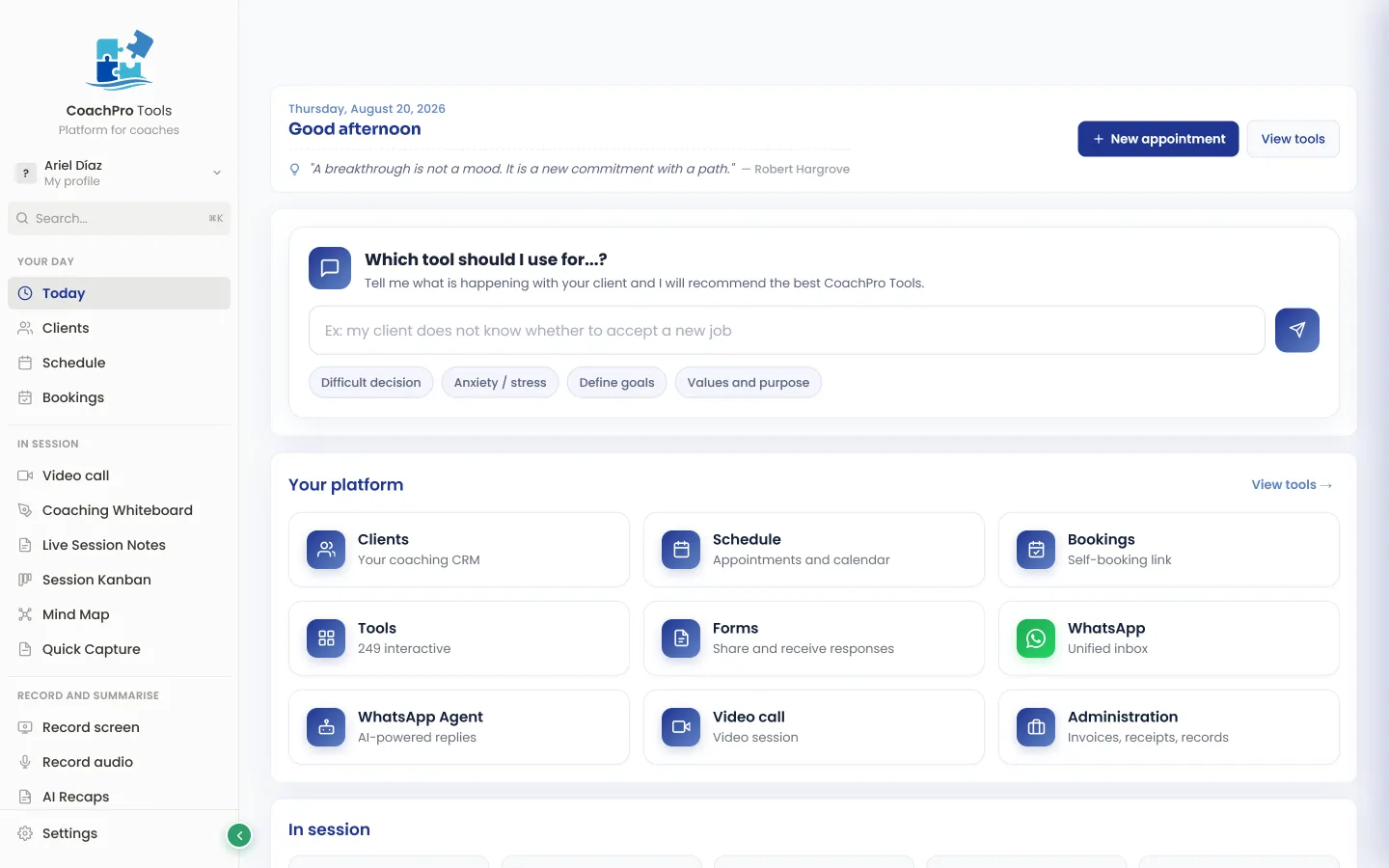
Active clients, sessions this month, and your next appointment. One glance tells you what's on today.

"As a coach who works both within organisations and in private practice, being able to use a wide range of tools, and above all having my own tools added to CoachPro Tools in an interactive format, has been a real game changer for me. When a client asks me about something specific, instead of telling them ‘go find one’, I can offer them an interactive tool to work with. And when I need to follow up with a client or an organisation, I can do that too, right inside the platform."
Coach · United Kingdom
0 min
Setup time
100%
No technical skills needed
1 place
Everything for your sessions
Each client with their own profile, history, agreements, and workspace, plus the +309 tools a click away. The result: you walk into every session prepared and nothing slips through the cracks between one and the next.
Every screen built for a real session. No jumping between windows. No losing your train of thought.
Active clients, sessions this month, and your next appointment. One glance tells you what's on today.
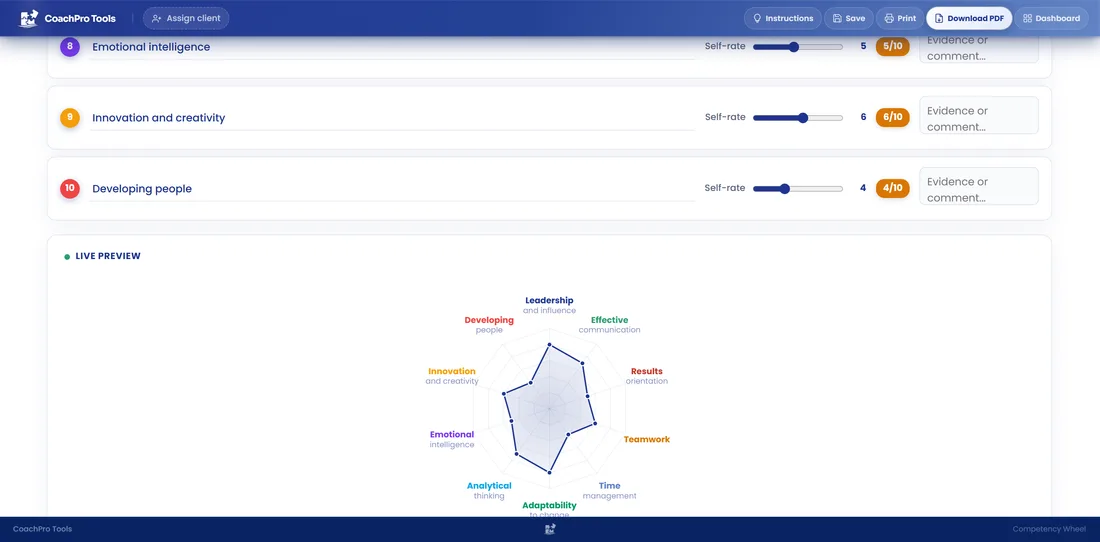
Open the Wheel of Life or a SWOT and the chart updates as your client answers, right there on the shared screen.
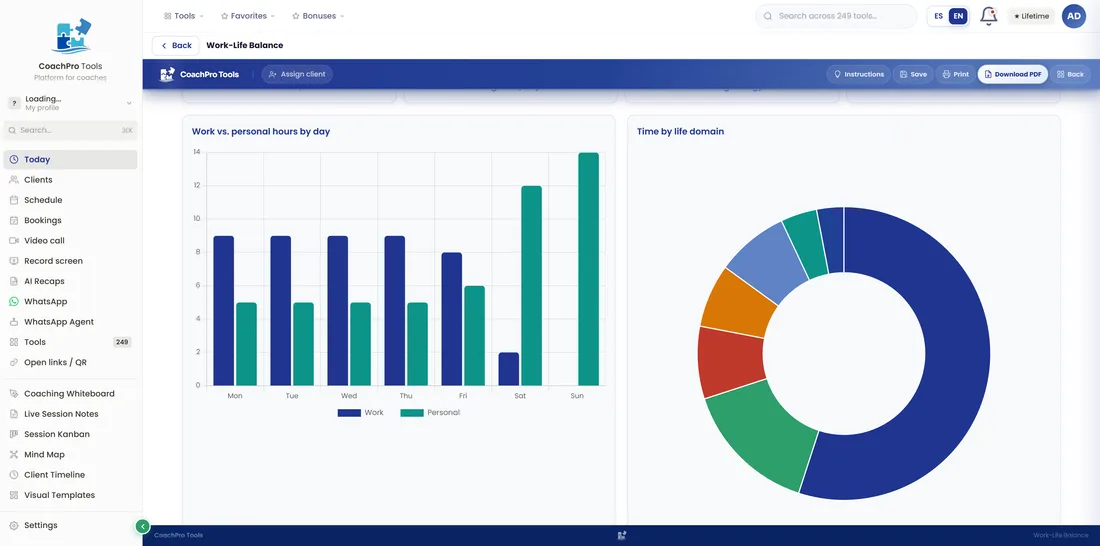
Send a tool by link, they complete it under your brand, and their progress flows back into their file. Compare where they started and where they are now.
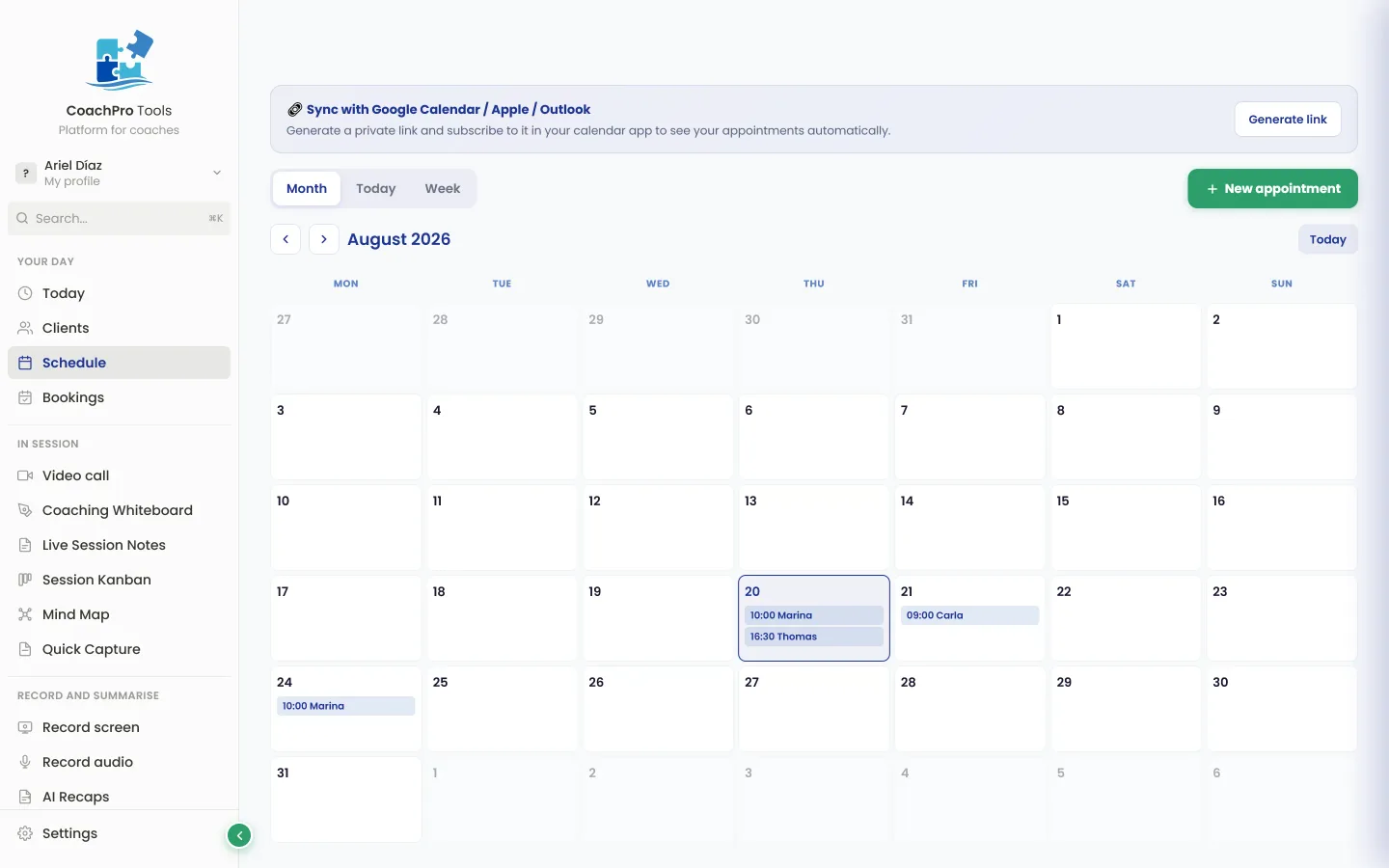
Appointments, durations, and statuses on a clean grid. Day, week, or month view.
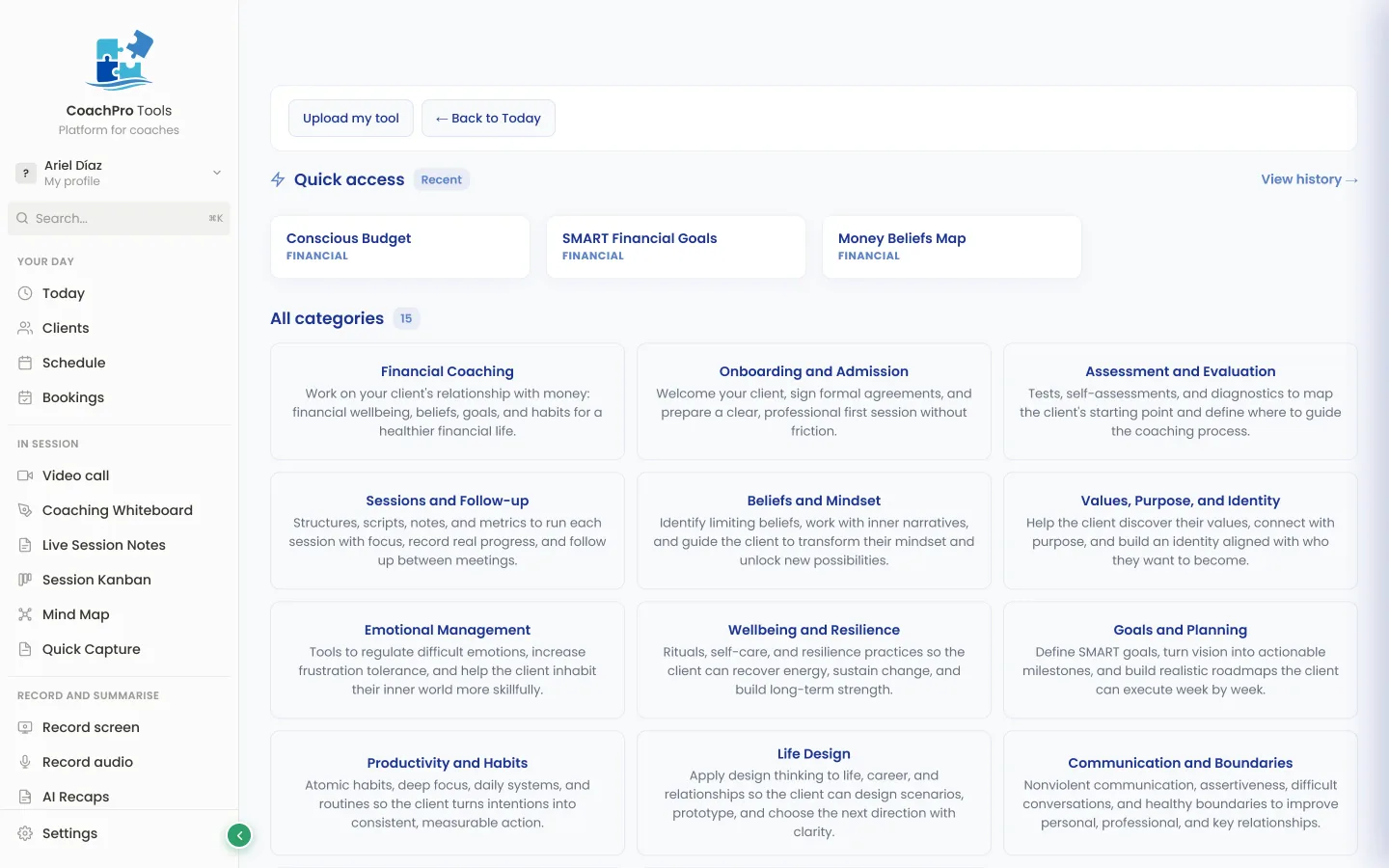
Direct search, recents and favourites, without leaving the session.
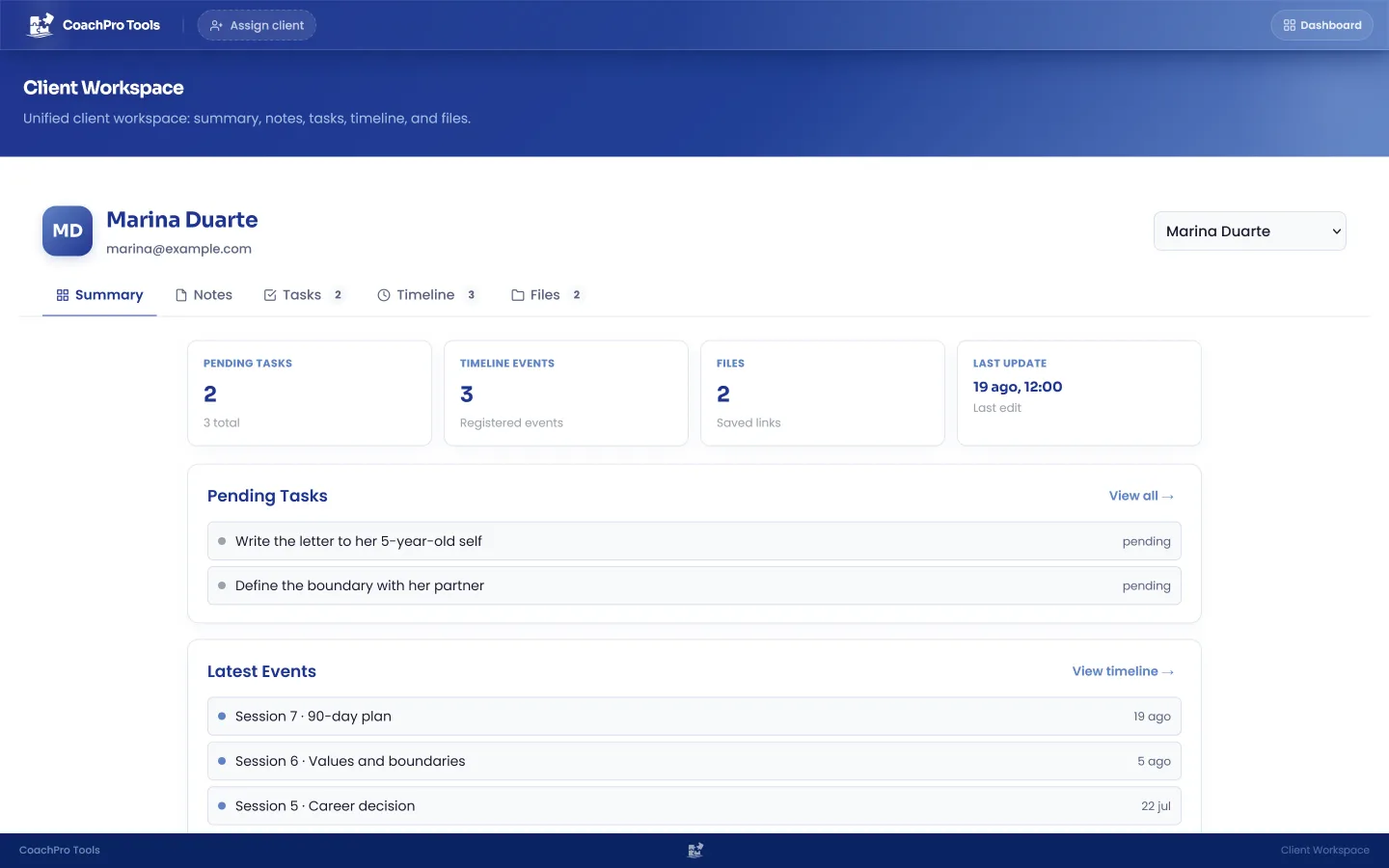
Notes, tasks, timeline, and files. Everything about each client, in its own space.
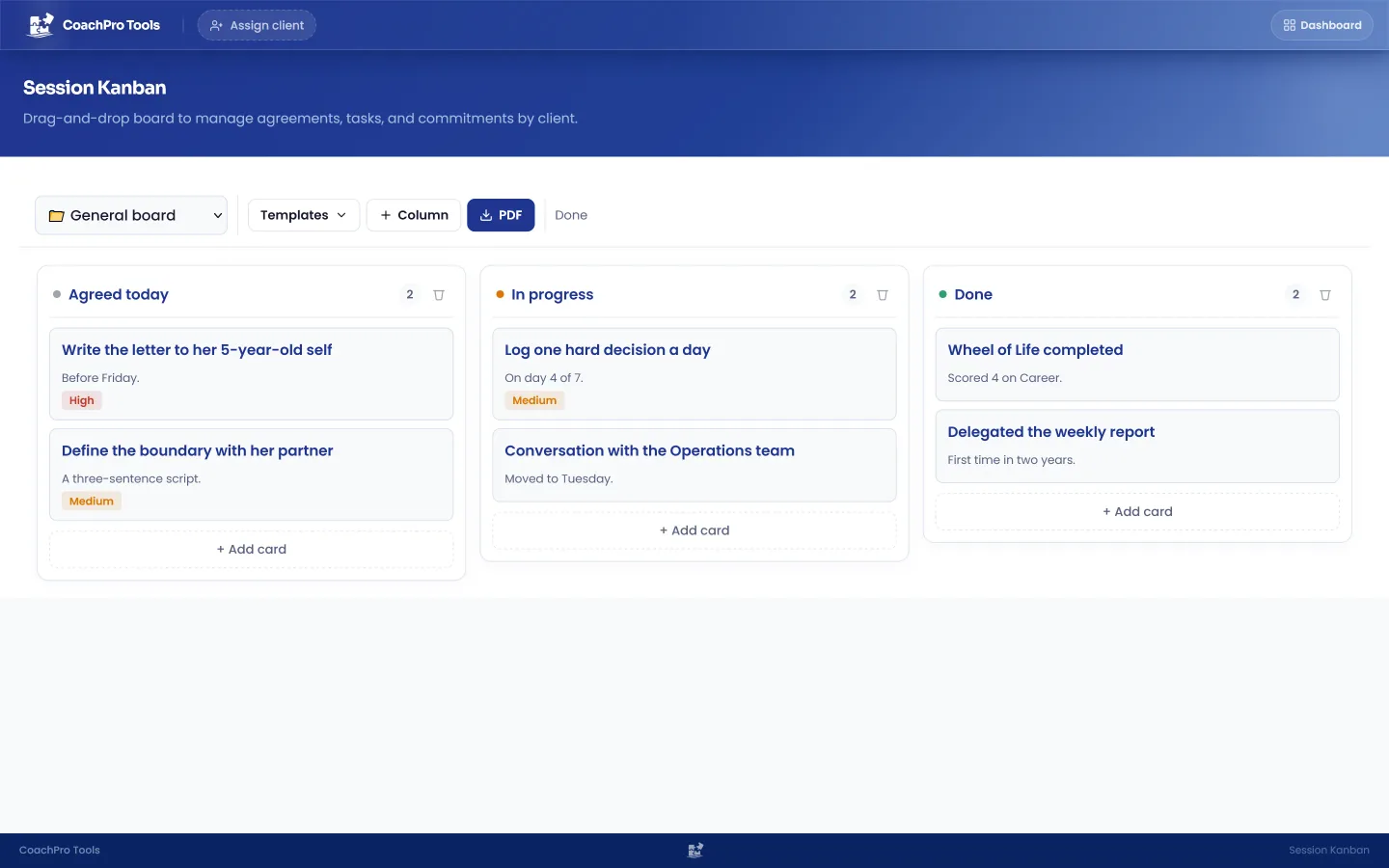
Commitments in Pending, Follow-up, and Completed columns. Your client sees the progress, and so do you.
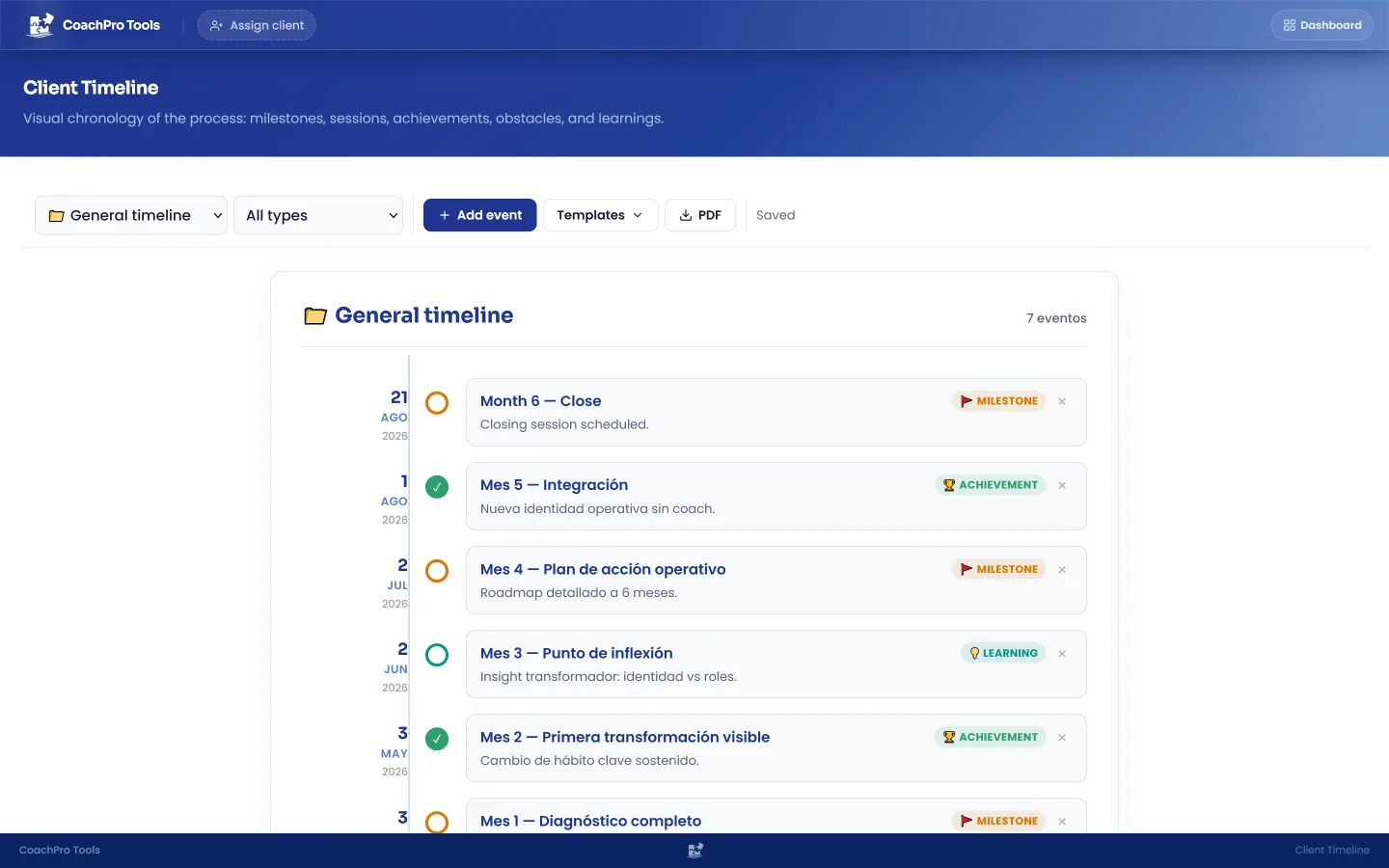
Sessions, milestones, achievements, obstacles, and lessons on a vertical line. A record of the whole process.
Four moments that are usually separate, connected in a single flow.
Your client brings a situation. The assistant recommends the right tool.
You work through it live or share it by link, without your client creating an account.
Answers, charts, and decisions stay in the client's file.
You compare their progress and deliver results with your brand.
The average coach works with a puzzle of apps that have no idea they're doing coaching. They are the manual integration.
They see you prepared, watch the screen change with them, and walk away with a PDF from every session.

Carlos R.
DISC Assessment in session
Sharing screen on Zoom
0+
Interactive tools
included in a single account
Plus CRM, calendar, booking, forms, invoices, agreements kanban, session recap, whiteboard, mind map and notes. All connected.
Your logo, your colors and your name on the PDFs your client takes home. Custom branding optional.
How it works
A sample of the +309 interactive tools in the system. Further down you can try two live.
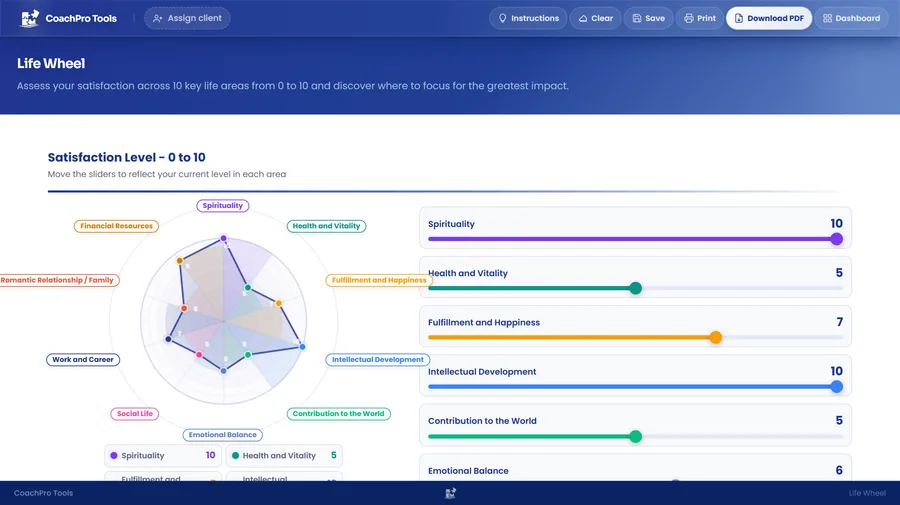
You and your client map out the 8 areas of their life on an interactive wheel. The radar chart updates instantly and guides the conversation.
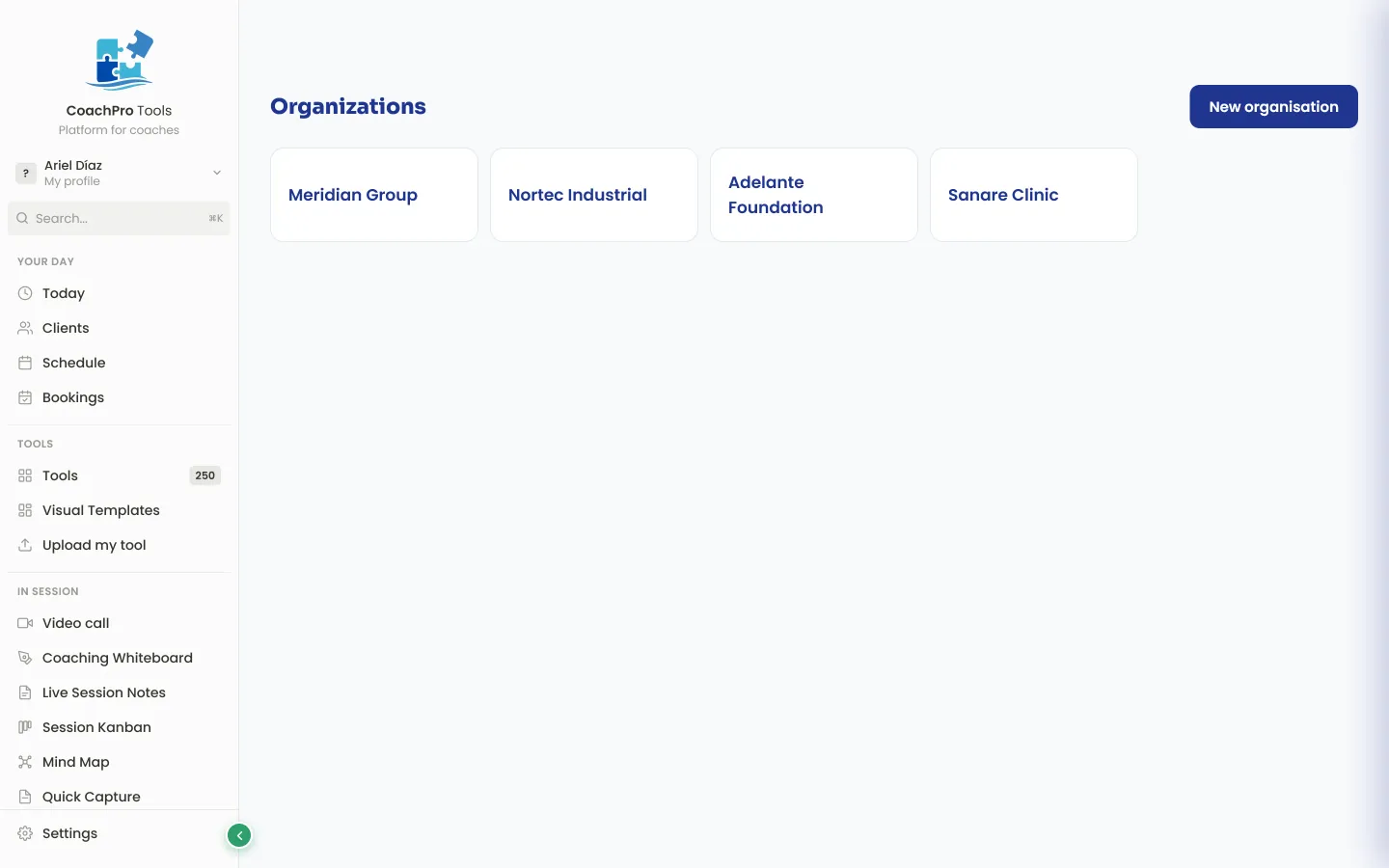
With Organisations you stop working only with individuals: you measure the climate of an entire company, department by department, and hand over a report that holds up in front of a leadership team.
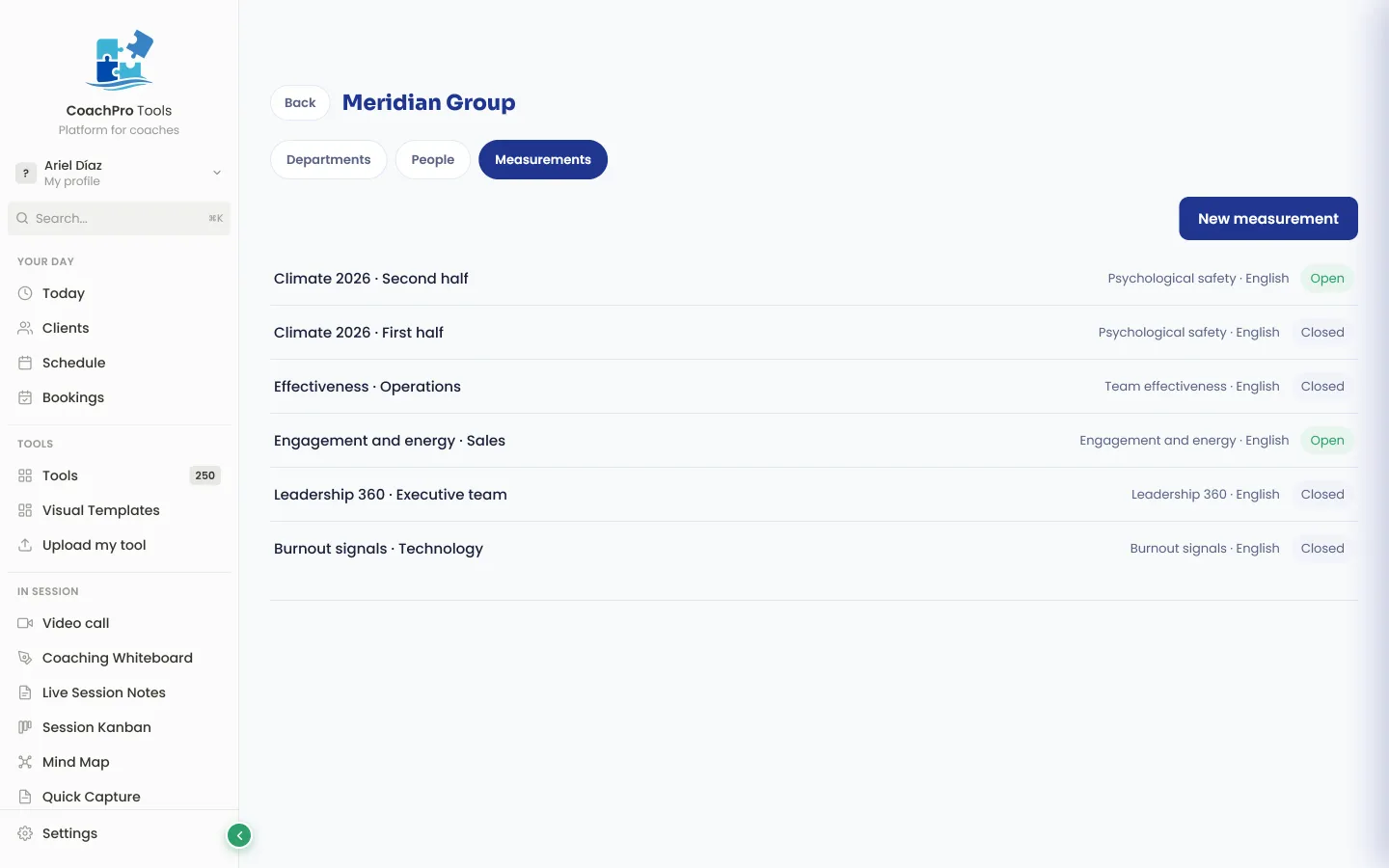
You create the organisation, its departments and its teams, and hand out the questionnaire through one link per group. Nobody signs up.
The report compares each department with the whole and with the others, sets it beside earlier measurements, and charts what changed. It is shared through a link that carries only what you decide.
You record the session inside the platform and the AI drafts the recap: what you worked on, the agreements and the next steps. You review it, change whatever you want, and approve it. It stays in the client's file.
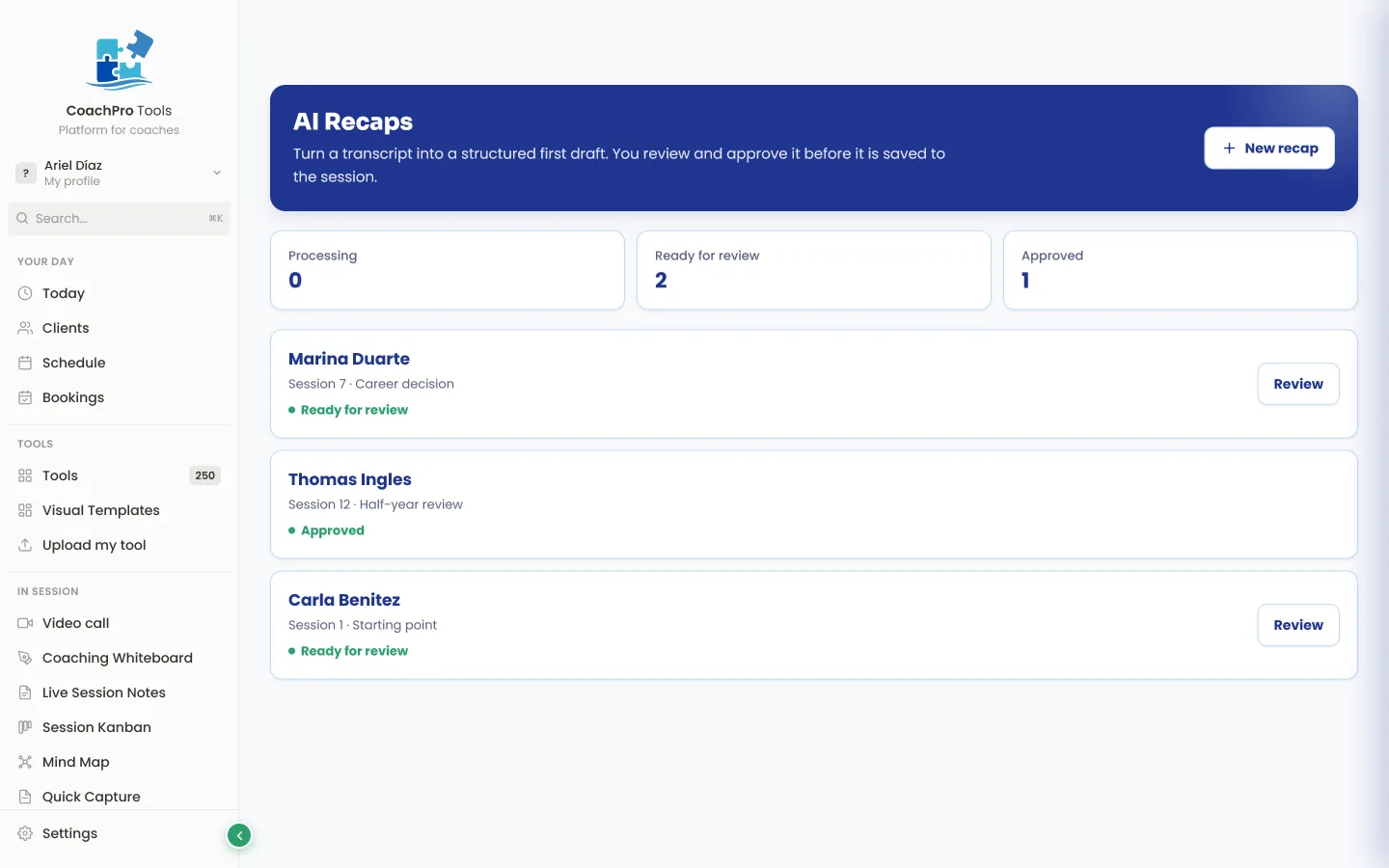
The admin half of every session — the part you usually do from memory, late and half-finished — is done before you close the laptop.
Two ways to keep working outside the session: with a whole group at once, or walking one person through it step by step over several weeks.
You pick the tool and get a link plus a downloadable QR code. You put it on screen at a talk, a workshop or a group session, and everyone completes it from their phone without signing up. You can ask for a phone number, set an expiry date, and see the results of each participant and of the whole group.
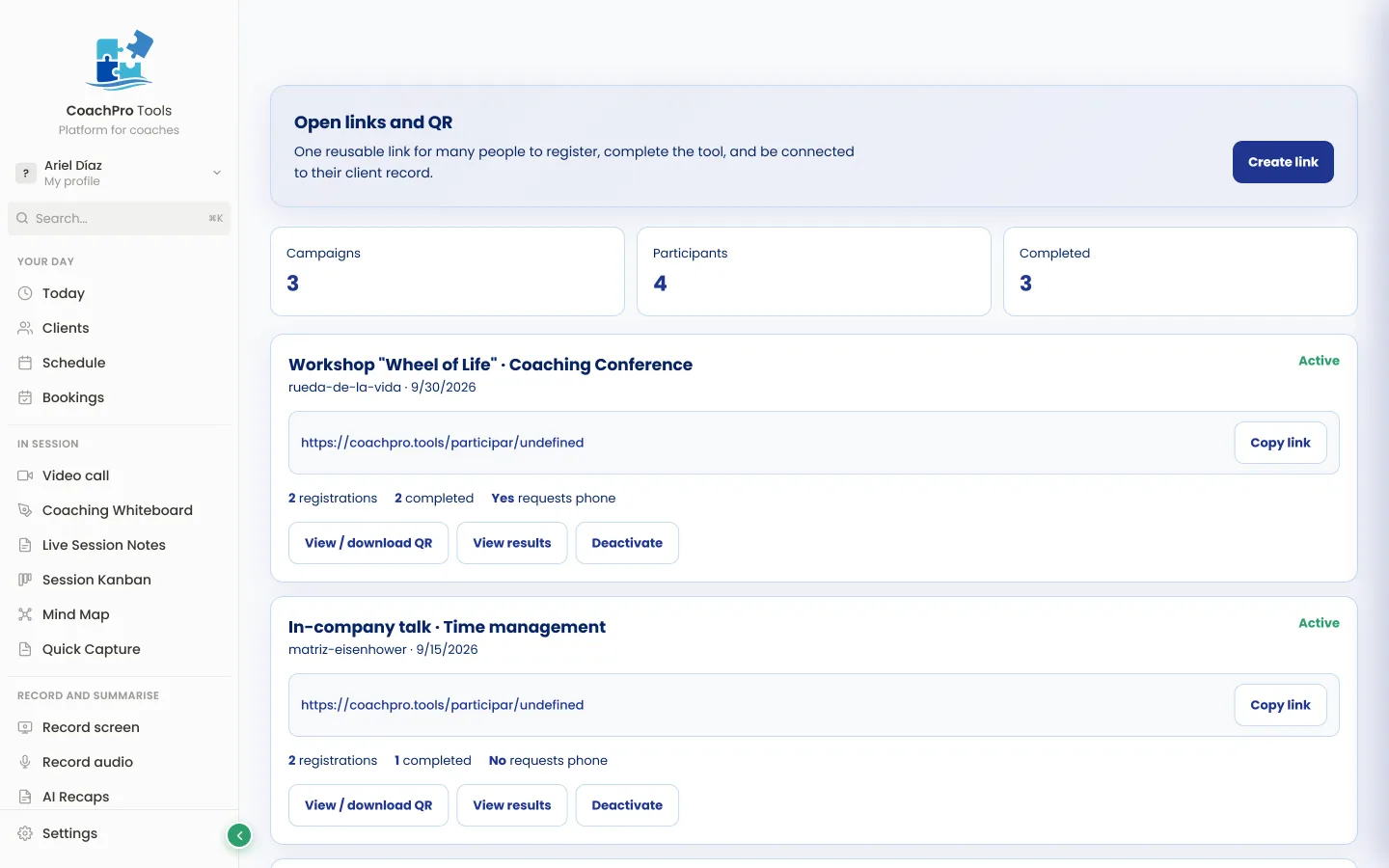
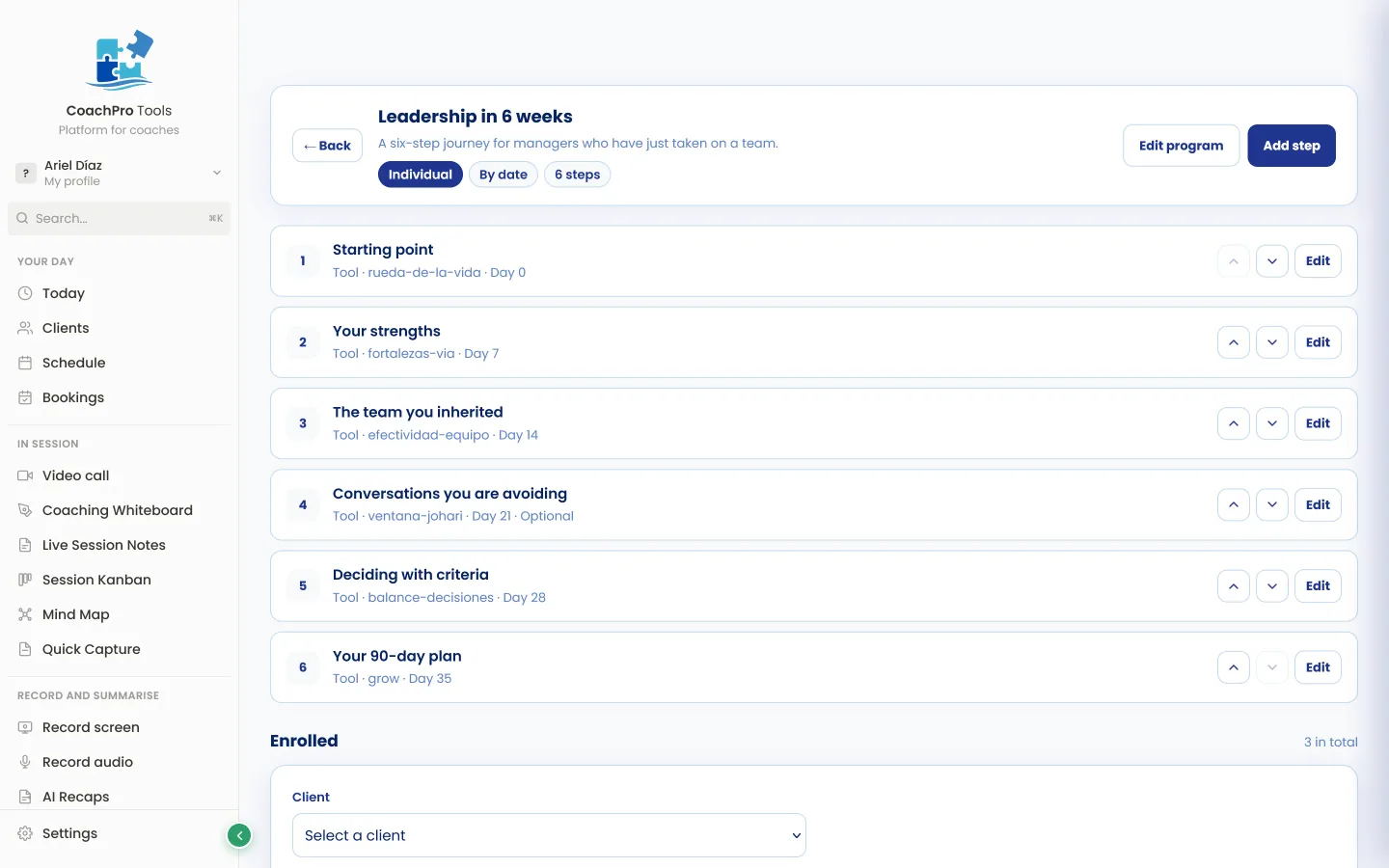
You build the programme step by step: which tool goes in each one and in what order. You decide whether they all open at once or unlock by date. You hand it to a client or a group through its own link, and you see who completed what.
Ten ready-made templates are included, and you can change them completely.
Real coaches on what improved in their work.
"As a coach who works both within organisations and in private practice, being able to use a wide range of tools, and above all having my own tools added to CoachPro Tools in an interactive format, has been a real game changer for me. When a client asks me about something specific, instead of telling them ‘go find one’, I can offer them an interactive tool to work with. And when I need to follow up with a client or an organisation, I can do that too, right inside the platform."

"You can really feel the work and dedication behind the platform, and the improvements they keep adding. It has made working with my coachees so much easier, especially sharing tools and tasks outside our sessions. And the support: every time I had a question or made a suggestion, the answer came almost instantly. CoachPro also brings professionalism to my service: sharing tools with my own logo and having everything in one place shows my coachees commitment and organisation. I fully recommend it."

"I love travelling through the platform. I’m still getting to know it, and every time I discover a new tool. I’m so happy I found it. I share links, connect my calendar, use the group activities with my clients, and it even suggests which tool to use based on what the client brings to the session. I’ve already shared it with colleagues. I recommend it!"

"I’m loving CoachPro Tools, and more importantly, my clients love it too. The range of tools helps us turn useful conversations into practical actions between sessions. It’s become a valuable part of how I support clients to reflect, make progress and see how far they’ve come. I also love how supportive and responsive the support team is: if you’ve got a question, problem or an idea, they really do listen and respond quickly."

"I bought CoachPro because I was looking for a more affordable alternative to the coaching platform I had been using, but I’ve been surprised by how capable it has become. What has impressed me most is the responsiveness of the team behind it. As I moved my coaching workflows into CoachPro, I shared several places where the workflow could be better. They didn’t just acknowledge the feedback: they listened, asked good questions and implemented improvements, many of them almost immediately. The new Client Log gives my clients and me a central place to communicate between sessions. A lot of software companies say they listen to customers. My experience with CoachPro is that this team actually does. I’m very glad I made the switch."

"I swapped loose PDFs for the live tools. I prepare a session in minutes, and my client interacts right on screen instead of staring at a sheet of paper."
Less prep
"I issue invoices and log each client's payments from the same place where I run my sessions. I stopped cross-checking spreadsheets to know who owes me."
Invoices
"I had a question and wrote to support without expecting much. They solved it the same day. Knowing someone answers fast if I get stuck put my mind at ease."
Support
"CoachPro Tools allowed me to centralize my coaching processes and make the whole experience far more professional. Today I mainly use session tracking, recaps and the client activities and tools, and I have started bringing it into my group leadership programs too. What I value most is having each client's process, progress and activities in one place while keeping my own brand identity. I also want to highlight how much the team listens: several needs I shared over these months quickly turned into improvements to the platform."

"CoachPro Tools has been a great help in managing my coaching practice. I have all my clients in one place, I share tools and forms with them by link, and what they answer is saved in their record. That gave me something that used to be hard: being able to trace every process, session after session."

"I've spent more than twenty-eight years in industrial settings, and I know when a tool helps and when it gets in the way. With CoachPro Tools, something happened that I didn't expect: I stopped thinking about the tool and went back to thinking about the client. What I use most are the wheels and diagnostic tests during the session itself: when clients see the distance between where they are and where they want to be drawn out in front of them, the whole conversation changes. And with White Label, I present the tools under my own brand, so the entire process feels like one piece. It's the perfect Swiss army knife for coaching."

"CoachPro is fantastic. The coaching sector has needed a client management system for so long. CoachPro delivers this wonderfully in a seamless platform. They’re also very proactive with inquiries and with document uploads that translate into web page programs. I can’t recommend them enough."

"I went from six open windows to a single screen to prep a session. My prep time dropped by half."
Prep time
"Public booking took away the back-and-forth of coordinating times. The client picks a slot and it lands right in my calendar on its own. I got hours of messaging back."
Booking
"Clients fill out the intake forms themselves and the data lands straight in their file. Zero copy-pasting: my onboarding went from a mess to something automatic."
OnboardingEverything connected in the same place where you work with your client.

Laura
Carlos
Valentina

Andrés
Laura M.Wheel completedThe radar chart made everything clear in 30 seconds.
Carlos R. completed the DISC AssessmentValentina S. downloaded a PDF with her brandInteractive and live: your client works through them on screen and takes the result home as a PDF.
Download · Print · Send by email
A PDF with your logo, your colors, and your name. Your client saves it, prints it, or forwards it.
For every kind of session
+309 tools. Every coach finds the ones that fit.
Wheel of Life, Ikigai, Life Design, Values and Purpose.
DISC, Leadership, Communication, Decision-making.
Group dynamics, Remote leadership, 360° feedback.
OKRs, SWOT, Strategic planning, GROW model.
Emotional management, Overall wellness, Resilience.
Career transition, Values, Purpose, Strategic resume.
Habits, Goals, Time management, Progress tracker.
Limiting beliefs, Self-awareness, Growth mindset.
Performance, Goals, Resilience, Visualization.
Persuasive communication, Sales leadership, Objectives.
Wellness, Life purpose, Values, Guided meditation.
Communication, Boundaries, Conflict resolution.
You can deliver an extraordinary session and still end up with a conversation that's hard to show for it. And what your client can't see is harder to charge for and harder to sustain.
Get full access: CRM, calendar, bookings, workspace, and the +309 tools. Cancel before day 3 and you pay nothing.
Start my free 3 days →Your own brand turns CoachPro Tools into your platform. Your client never sees “CoachPro Tools”: they see your brand. You upload your logo, choose your colors, set your own typography, and even rename the tools. The report they receive carries your name, not ours.
You handle the conversations from the platform, and an agent with your own AI answers for you while you are in session.
Add up what you spend on calendar, video, CRM, AI, and notes separately. CoachPro Tools replaces it all, for $30 a month.



Secure, encrypted payment · Lifetime guarantee · Cancel anytime
The Lifetime and Annual plans include extra materials to organize your operation, prepare sessions, and present your work better.
 $297
$297Workflows, sales pipeline, forms, payment page, and automated sequences to scale your sales beyond the coaching CRM.
 $52
$52Your own AI assistant trained on coaching methodologies. Generates scripts, powerful questions, session agendas. Available 24/7.
Total bonus value: $349 → Included in your plan
Coaches from these federations trust CoachPro








Frequently asked questions
You open the tool in your browser, share your screen on Zoom, Meet or Teams, and guide your client while they see the tool on screen. When you close, you download the PDF and hand it over. No setup, no install, no learning curve.
One-time payment. CoachPro replaces more than 10 apps you pay for separately today: CRM, calendar and bookings, video calls, forms, contracts, invoicing, payments, whiteboard and more. Here you pay once and it's yours for life, with all future updates included. If you plan to use the platform for 10 months or more, it works out cheaper than monthly.
They're good tools, but none of them know you're doing coaching — you're the manual integration. You don't have to migrate everything at once.
Minutes. You pay, log in, and a step-by-step guide shows you where everything is; there is also a user manual inside the platform. It is simple and there is nothing to install. From day one you can offer your client sessions with interactive tools on screen, their PDF report, their own space to see their tasks and results, online booking and video calls.
They're real web applications. Sliders that move, charts that update in real time, forms that validate, mind maps you draw, whiteboards you write on. Nothing static. That's why your client LIVES the tool on screen, instead of reading it.
No. Your client downloads nothing, signs up for nothing, learns no platform. They just see what's on your screen during the session and respond to what you ask. Simpler than opening a PDF.
Yes, in both cases.
If you're just starting, you have structure from day one: 309 interactive tools ready to use in session (GROW, SWOT, Wheel of Life, SMART and many more), protocols that guide you through a complete session step by step, intake and onboarding forms, contracts with signature, and a booking page so your clients schedule themselves. You don't have to build anything on your own.
If you already have clients, you run your whole business in one place: CRM with each client's profile and history, synced calendar, video calls, invoicing and payments, sales pipeline, group programmes, and work with companies, with organisations and 360 assessments. It replaces more than 10 apps.
It was created by a coach together with a group of practising coaches, from what they needed in their own sessions. It's not a software company that tried its luck with coaching: it was born from real practice. Behind it is a company registered in the United States. Your data is encrypted, payments are processed through Stripe, and if you decide to leave, your data leaves with you.
Your client stops just listening and starts seeing and participating on screen. That's what separates a session that gets forgotten from one that gets remembered. And it's remembered because they take the PDF home. If your client remembers, they come back. If they come back, they refer.
No. It runs 100% in the browser. You just need internet and a modern browser (Chrome, Safari, Firefox, Edge). Works on Windows, Mac, Linux, iPad and phone.
A complete platform to grow your business: visual sales pipelines, automated email sequences, WhatsApp and SMS, funnel and page builder, membership area, payments, forms, automations and reports. It is included in the Annual and Lifetime plans.
It's not a lead-generation machine. The Marketing & Sales Platform, included in the Annual and Lifetime plans, helps you attract and follow up; and once the client arrives, CoachPro makes sure your service lives up to it.
Every month we add new tools and improve the existing ones: there are now 309 tools. Many come from what the coaches who use the platform ask for; you can meet them in the coach directory. All plans get the updates at no extra cost.
Your logo, your colors (primary and accent), and your typography, plus your contact details on every PDF footer. Your brand appears on the dashboard, in the tools, and in everything your client receives. It's a $97 USD add-on you can add whenever you like.
Credit or debit card (Visa, Mastercard, AMEX), Apple Pay and Google Pay. All payments are processed securely through Stripe.
There are two subscriptions, and both give you the complete platform.
Monthly: $30 USD a month, with no lock-in. It includes the Private CoachPro GPT bonus.
Annual: $157 USD a year. That works out at about $13 USD a month and saves you $203 USD compared with monthly. It includes the Private CoachPro GPT and the Marketing & Sales Platform, which monthly does not.
Both start with a 3-day trial: you enter your card and the first charge is made when the trial ends. They renew automatically and you cancel whenever you want.
Yes. You switch it yourself from your dashboard, under My account. We deduct the part of the month you have already paid for and not yet used.
No. You export everything: your client profiles, session notes, linked files, templates. Your data is always yours. No penalties, no data retention, no forced months. You close the account and download your information in a standard format.
Yes. The Data Processing Agreement under Article 28 of the GDPR is part of the Terms and is accepted automatically when you use the platform: you do not have to sign it or request it. If a corporate client asks you for a signed copy for their compliance records, you download it yourself from the Trust Centre inside the platform.
Yes, and it does not depend on your good intentions: it is prevented by design. Answers are only ever published grouped, and you set a minimum number of participants per group. Below that number no figure appears — not for you either. And every report is shared through a link that carries only what you choose to include.
English and Spanish. The whole platform works in both: interface, tools, and the PDFs your client takes away. You switch language with one click.