 CoachPro Tools
A workplace coach works with people inside their work context: a professional who has lost motivation, a middle manager with a difficult team, someone leaving the company or an organization that wants to understand how its people are doing. Each case calls for different tools, but the process needs the same things: context, conversation, measurement and follow-up.
This article shows how that work runs inside CoachPro Tools, the coaching platform, with the real tools in the catalog and the modules a workplace or organizational coach uses. For career change processes, the article on software for career coaches completes the picture.
What a workplace coach needs from a platform
- Each person's context: their role, situation and goals in the client record.
- Measure before you interpret: instruments the client completes and you review together in session.
- Work with teams and companies: anonymous measurements by area when the client is an organization.
- Sustain the process: agreements, actions and messages between sessions in one place.
Measuring how the person is doing at work
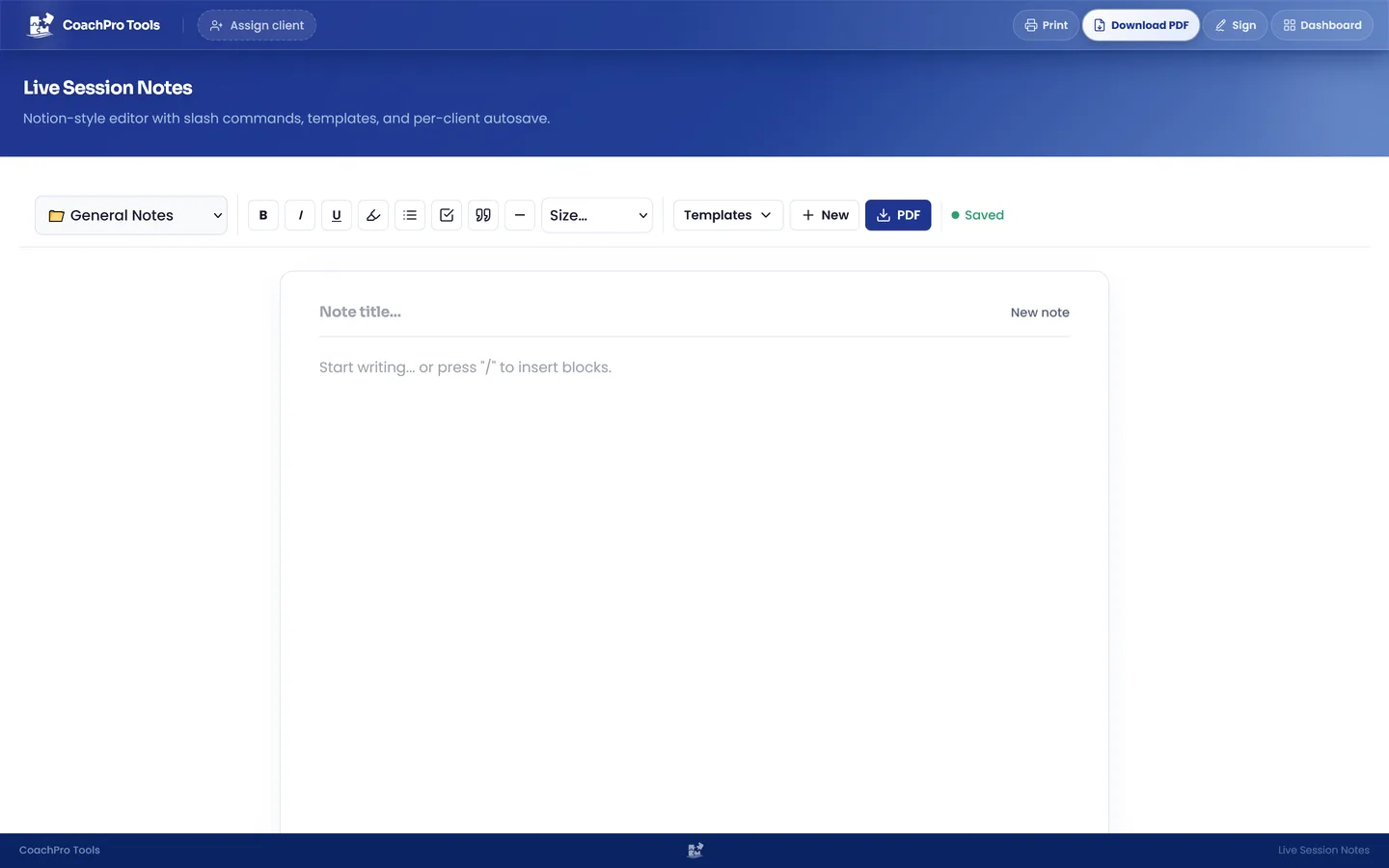
The Job Satisfaction Test assesses 25 items across five dimensions: motivation and purpose, relationships and culture, compensation, development and balance. The result is not a diagnosis: it is a starting point to talk about which dimension weighs most and what depends on the client. You complete it together live, in person or by sharing your screen in the platform's video call, and you note what comes up in Live Session Notes from their record.
If the conversation leads to values or purpose, the free personal values tool and the personal values glossary entry help you go deeper.
When someone closes a chapter: the Exit Interview
The Exit Interview / Role Reflection is a structured 20-question questionnaire to close a work chapter consciously: what they learned, what they take with them and what they do not want to repeat in their next job. It works both for someone leaving the company and for someone changing roles within it.
Feedback from several sources: the 360
The Feedback 360° gathers the views of several people around the client. What matters is not the average but the gap between how they see themselves and how others see them. The article on the 360 feedback debrief explains how to guide that conversation, and the 360 feedback page shows how it is set up in CoachPro Tools. To try the format there is a free 360 feedback tool, and the glossary explains effective feedback.
When the client is an organization
The Organizations module lets you create the company, its departments and participants, and launch measurements with response links. Participants answer anonymously and reports aggregate results by dimension and department. A group's report does not open until it reaches the minimum number of responses you set, to protect small teams, and you can compare measurements over time. See the details in coaching for organisations.
With results in hand, sessions with leaders and teams rest on data rather than impressions. For team work, the guides on team coaching and Belbin roles add concrete activities, and the glossary defines team coaching.
Individual and group sessions
The platform's video call works for one-to-one sessions and for groups of up to 10 people, with invitations and reminders under your brand, notes in each attendee's record and attendance in the history. A workshop with a team and the individual sessions that follow are recorded in the same place.
Between sessions: agreements that get done
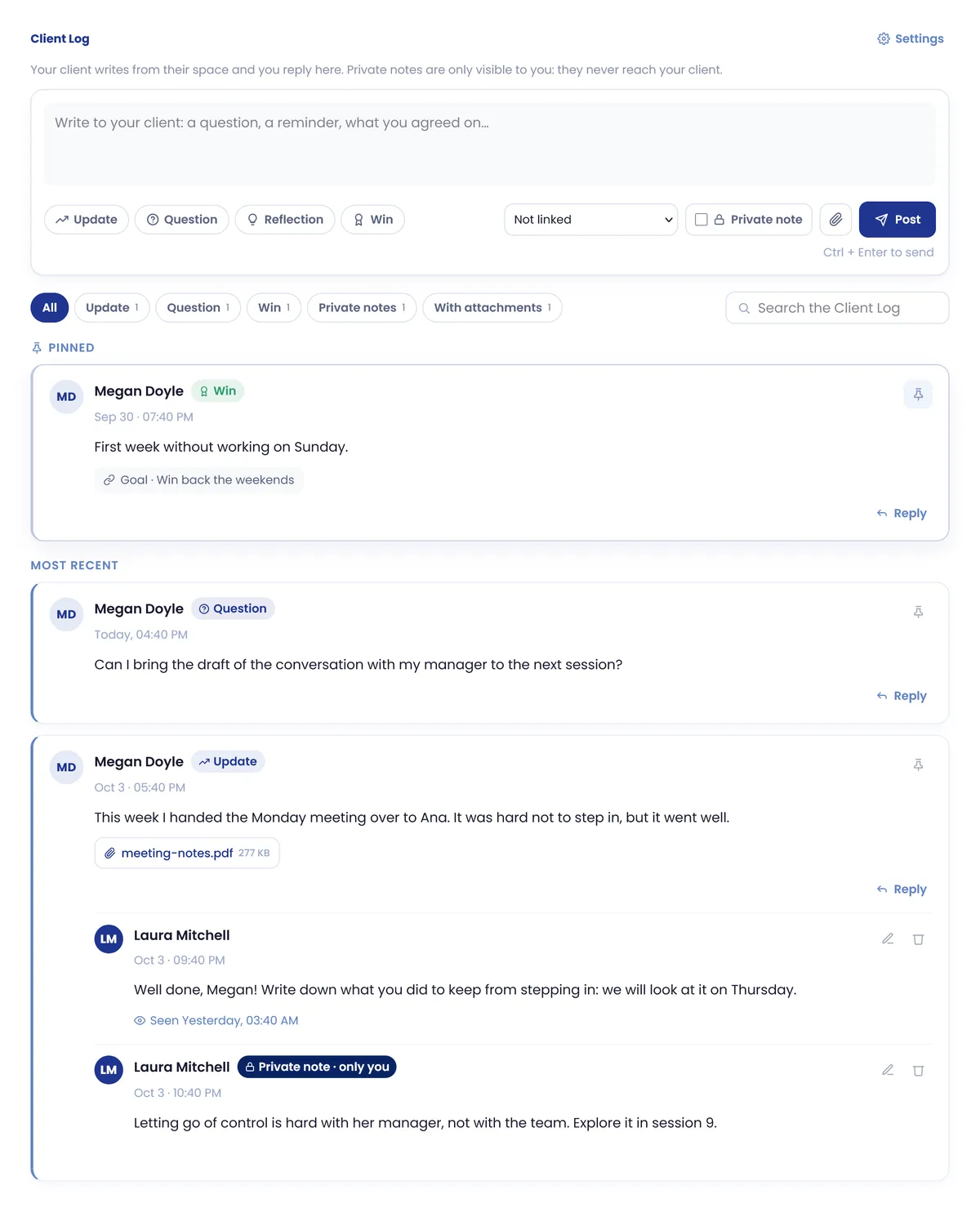
Agreements become goals with a starting point and target, and actions with a date and reminders. The client marks their actions as done from their client space and, if they want to share progress or ask a question, writes to you in the Client Log; you reply from their record and can leave private notes the client never sees.
When each appointment closes, the satisfaction survey goes out to the client on its own and their answers feed the progress chart on their record. The satisfaction surveys page explains it.
An example process with a demotivated professional
- Session 1: intake form, the goal of the process and the Job Satisfaction Test.
- Session 2: exploring the lowest dimension and their values.
- Session 3: 360° Feedback to compare their view with that of the people around them.
- Session 4: 360 debrief and first actions in their client space.
- Session 5: action review and plan adjustment.
- Session 6: a new satisfaction measurement and closing.
Everything stays in the client record's history: appointments, sessions, forms, tools, Client Log and actions, and the second measurement is reviewed next to the first.
Bring your workplace coaching onto one platform
Explore CoachPro Tools plans with client records, workplace tools, organizations, video calls and Client Log.
See plans and pricing →Frequently asked questions
Which workplace coaching tools does CoachPro Tools include?
Among others, the Job Satisfaction Test, the Exit Interview / Role Reflection, the 360° Feedback and the Organizations module with its instruments for team measurements.
Are organization measurements anonymous?
Yes. Participants answer anonymously and a group's report does not open until it reaches the minimum number of responses you set.
Can I run group sessions with a team?
Yes. The platform's video call supports groups of up to 10 people, with notes in each attendee's record and attendance in the history.
Is the Job Satisfaction Test a diagnosis?
No. It is a reflection tool to talk with the client about which dimension of their work weighs most and what they can change.