What is it like to use it live with a client?
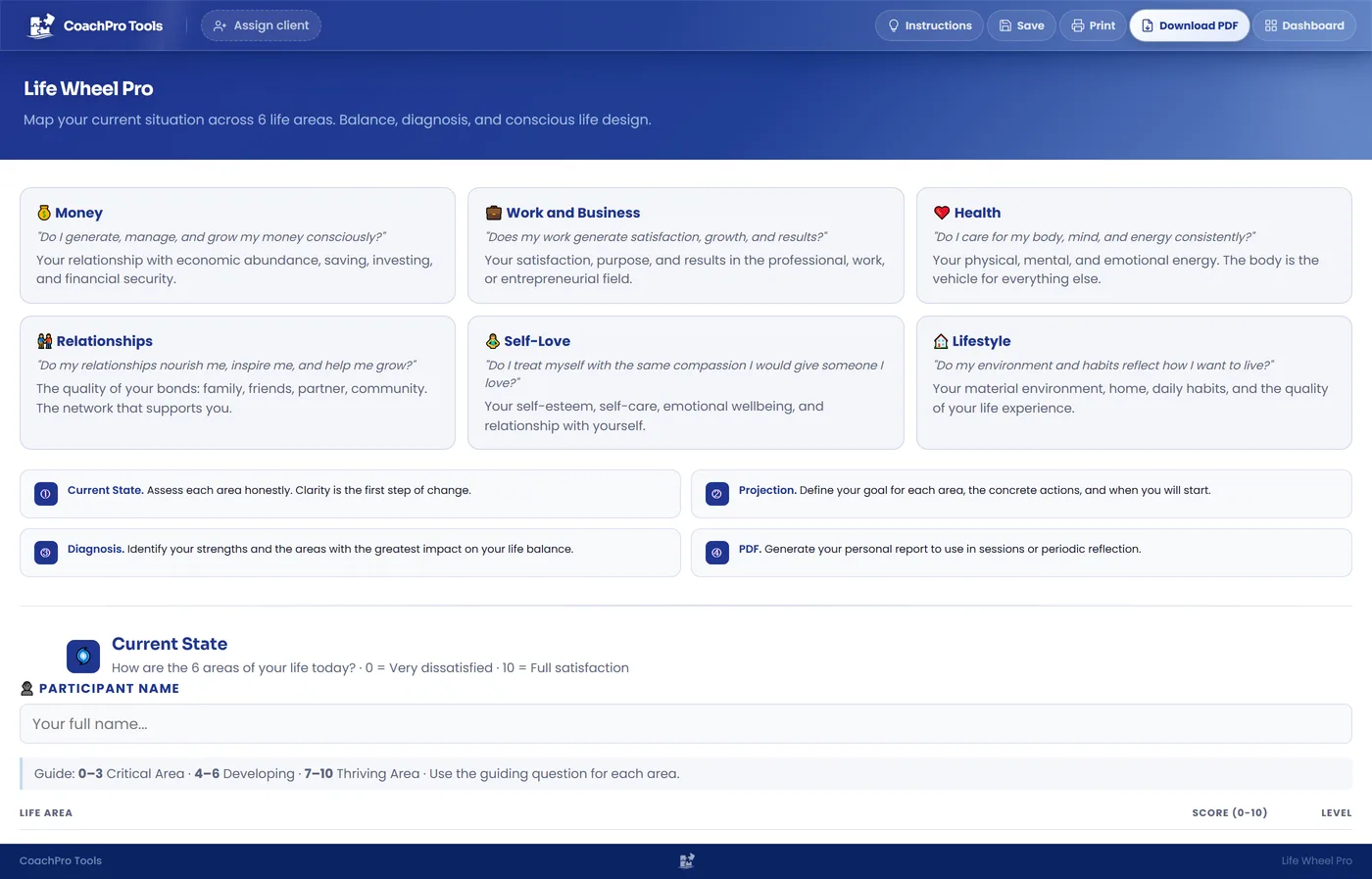
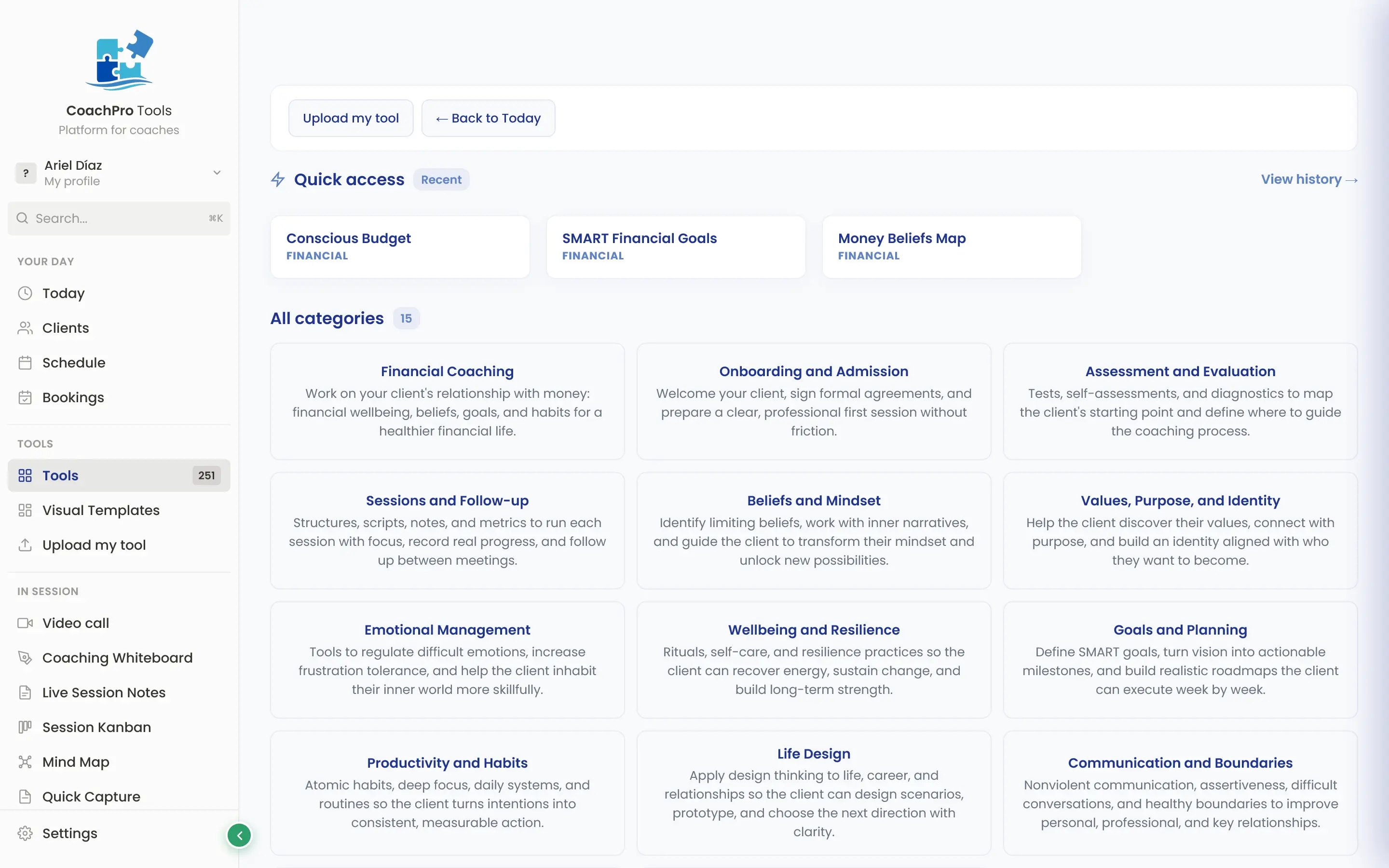
You open the tool in your browser, share your screen on Zoom, Meet or Teams, and guide your client while they see the tool on screen. When you close, you download the PDF and hand it over. No setup, no install, no learning curve.
Do you charge per client? Is there a client limit?
No. The price is the same with 3 clients as with 50: there are no plans by number of clients and no tiers that go up when you add one more.
How do the subscriptions work?
There are two subscriptions, and both give you the complete platform.
Monthly: $30 USD a month, with no lock-in. It includes the Private CoachPro GPT bonus.
Annual: $157 USD a year. That works out at about $13 USD a month and saves you $203 USD compared with monthly. It includes the Private CoachPro GPT and the Marketing & Sales Platform, which monthly does not.
Both start with a 3-day trial: you enter your card and the first charge is made when the trial ends. They renew automatically and you cancel whenever you want.
Isn't $297 lifetime expensive for a coaching app?
One-time payment. CoachPro replaces more than 10 apps you pay for separately today: CRM, calendar and bookings, video calls, forms, contracts, invoicing, payments, whiteboard and more. Here you pay once and it's yours for life, with all future updates included. If you plan to use the platform for 10 months or more, it works out cheaper than monthly.
What guarantee do I get?
A lifetime guarantee: it covers the platform working for as long as you have your plan. If something stops working, you request it from My account → Request a refund, with a report of the problem. We have 7 business days to fix it and, if we can't, you get your money back. It does not cover White Label, the bonuses or third-party services.
Does it include a CRM? Does it work with WhatsApp?
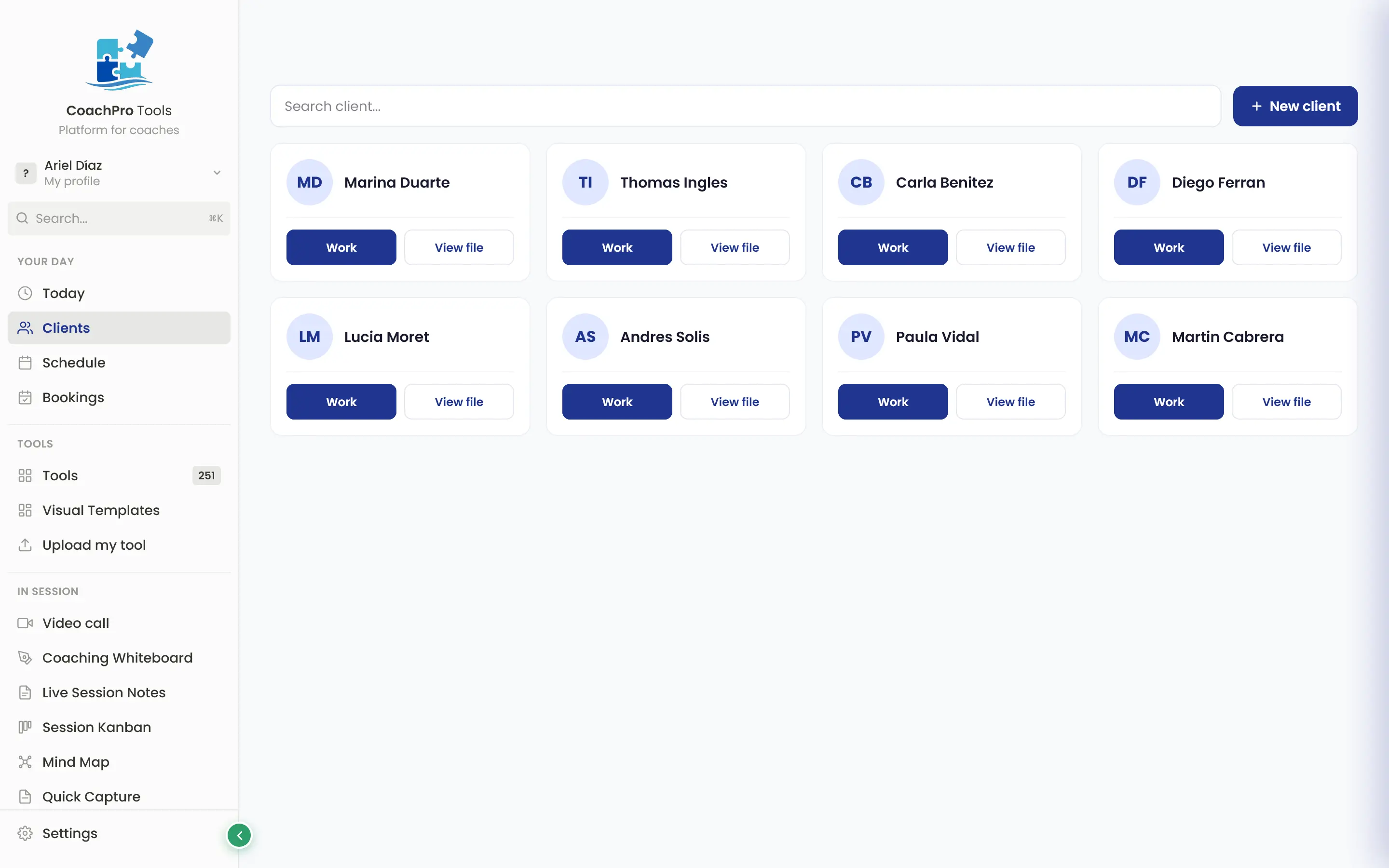
Yes. Each client has a record with history, goals, actions with reminders and payments, plus a pipeline to follow your prospects. You connect WhatsApp by QR code or through Meta's official API: conversations arrive in an inbox inside the platform, you reply by hand or with an AI agent, and appointment reminders go out on WhatsApp.
See the CRM for coaches →
I already use Notion, Calendly, Drive… why switch?
They're good tools, but none of them know you're doing coaching — you're the manual integration. You don't have to migrate everything at once.
How long does it take to get started?
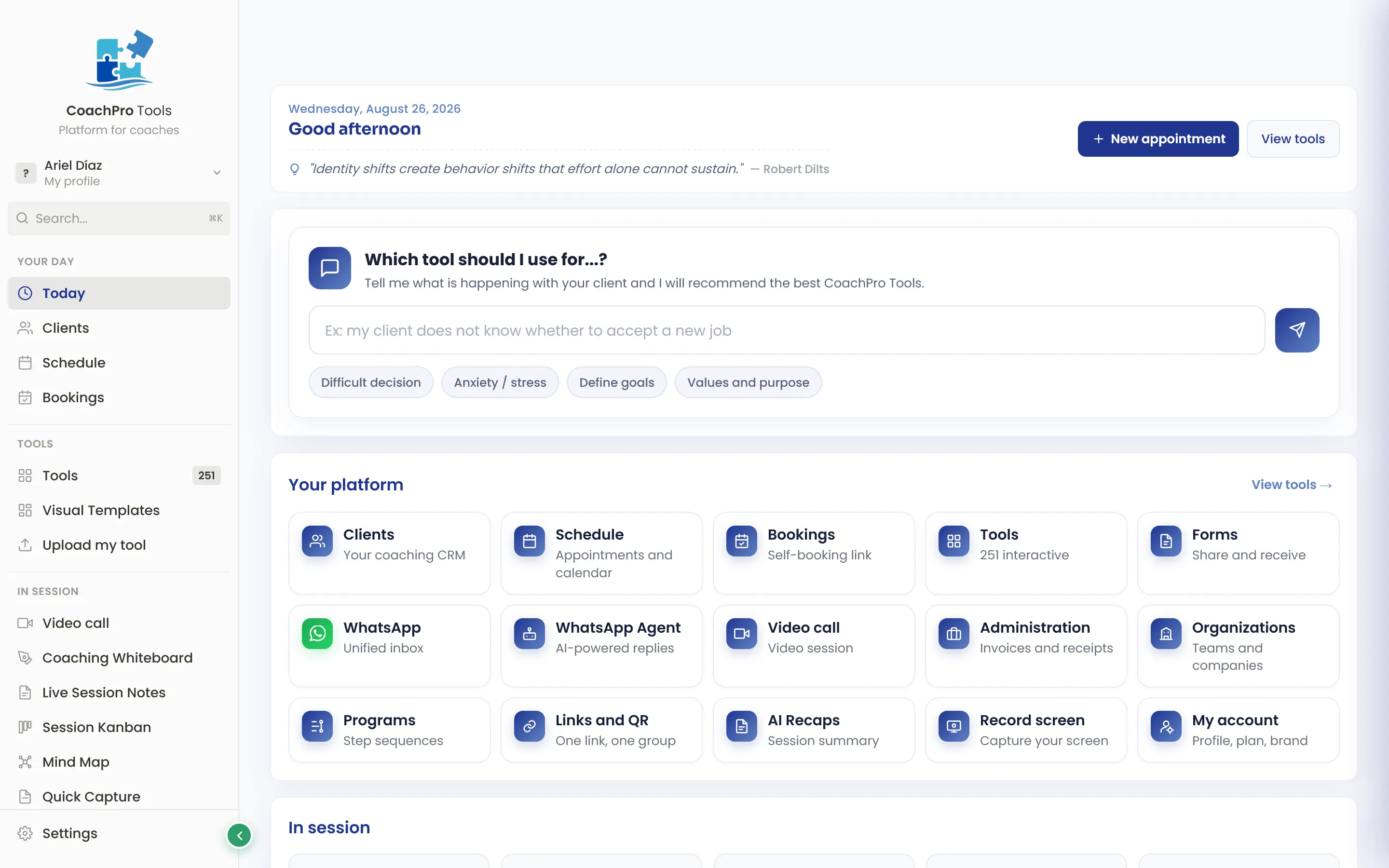
Minutes. You pay, log in, and a step-by-step guide shows you where everything is; there is also a user manual inside the platform. It is simple and there is nothing to install. From day one you can offer your client sessions with interactive tools on screen, their PDF report, their own space to see their tasks and results, online booking and video calls.
Are the tools really interactive, or are they PDFs?
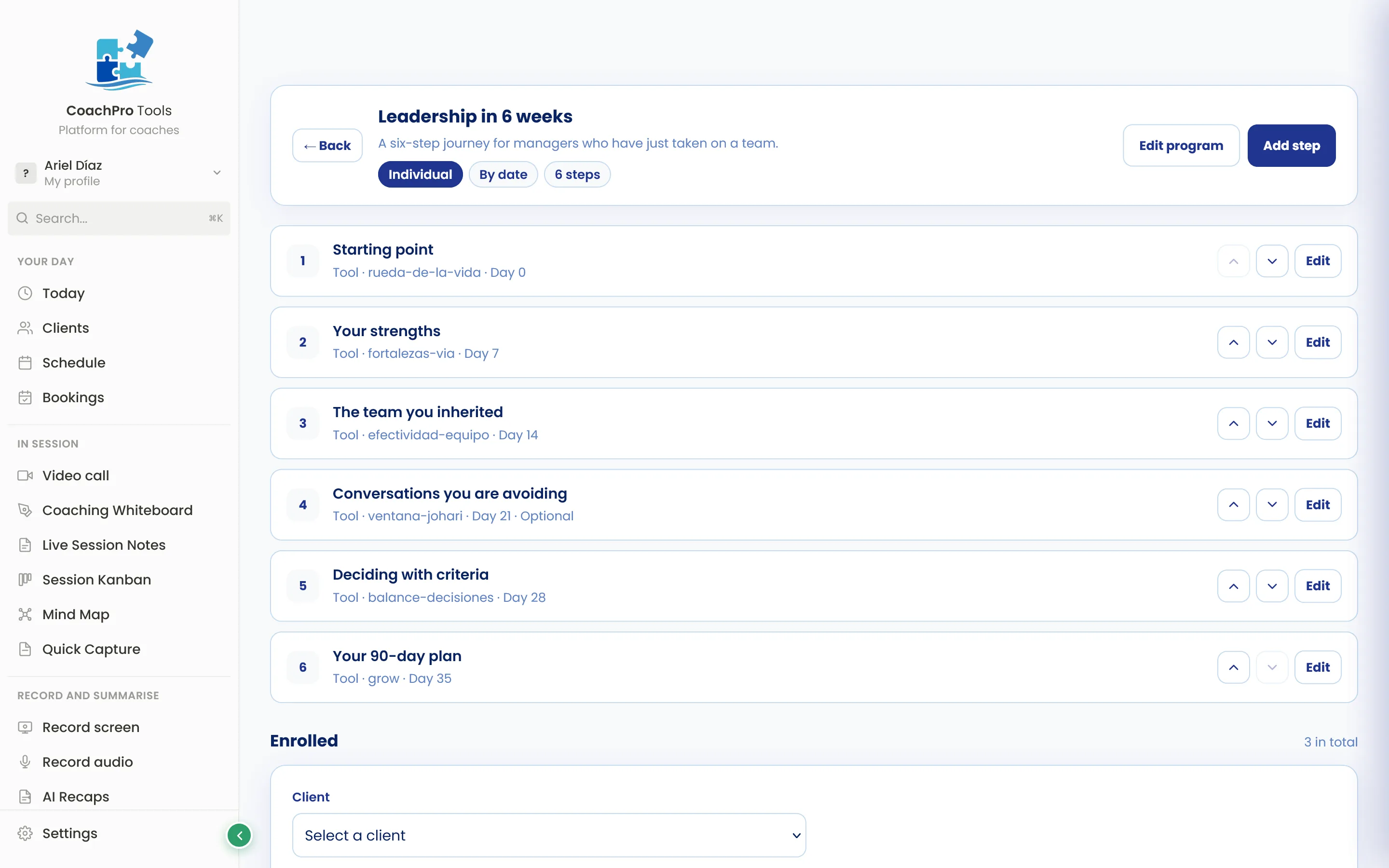
They're real web applications. Sliders that move, charts that update in real time, forms that validate, mind maps you draw, whiteboards you write on. Nothing static. That's why your client LIVES the tool on screen, instead of reading it.
Will my clients need to learn how to use it?
No. Your client downloads nothing, signs up for nothing, learns no platform. They just see what's on your screen during the session and respond to what you ask. Simpler than opening a PDF.
Does it work the same whether I'm starting out or already established?
Yes, in both cases.
If you're just starting, you have structure from day one: +325 interactive tools ready to use in session (GROW, SWOT, Wheel of Life, SMART and many more), protocols that guide you through a complete session step by step, intake and onboarding forms, contracts with signature, and a booking page so your clients schedule themselves. You don't have to build anything on your own.
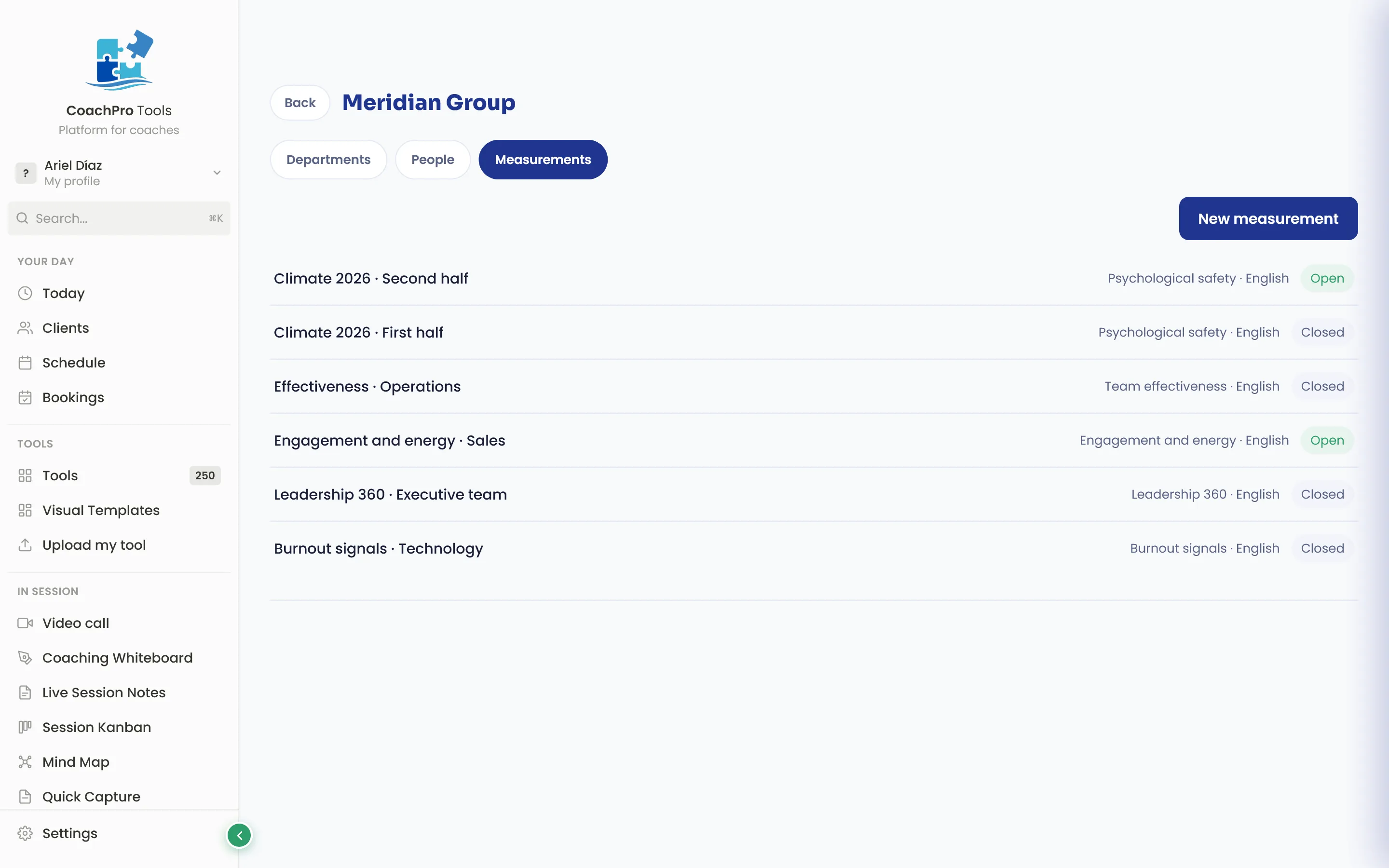
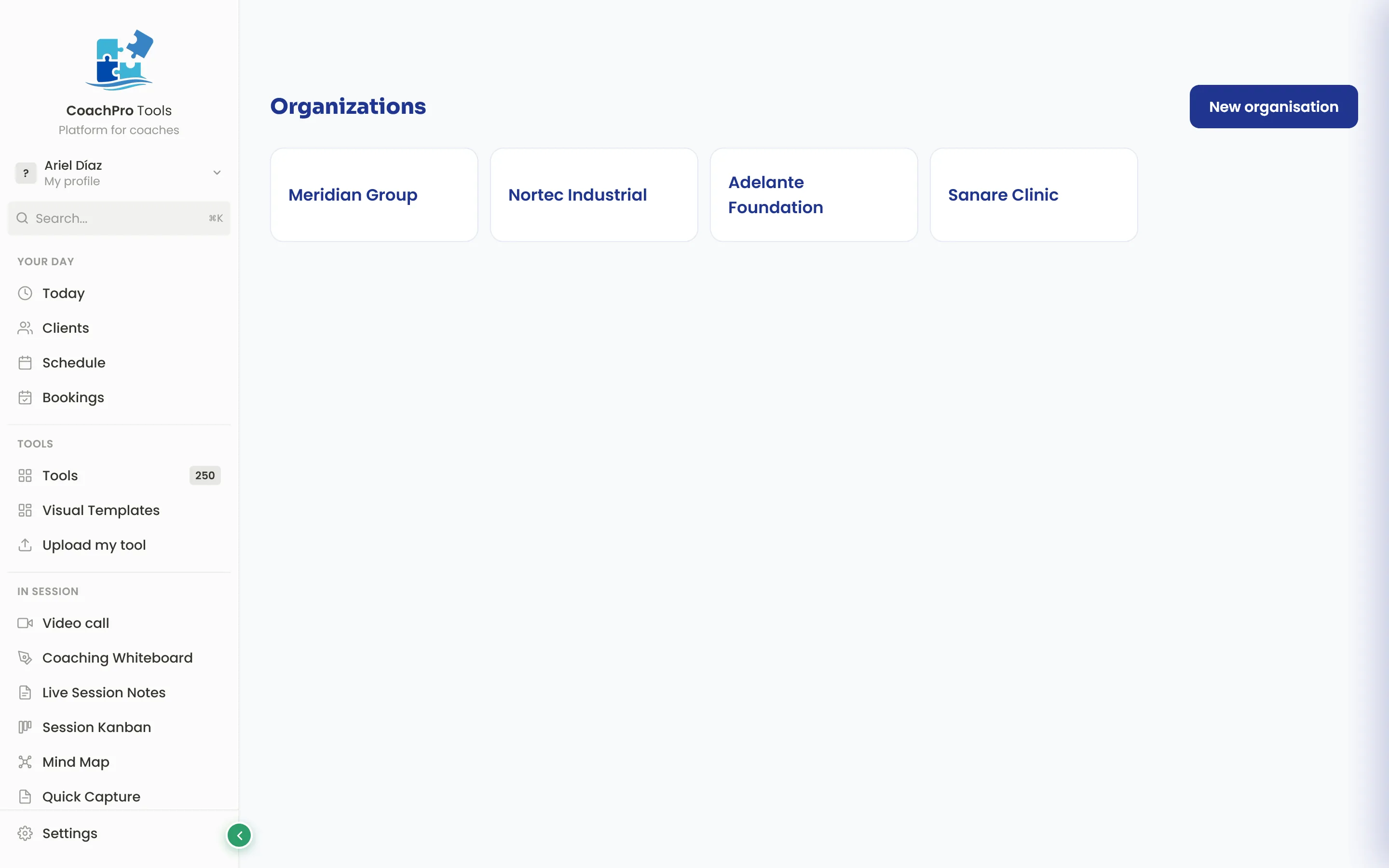
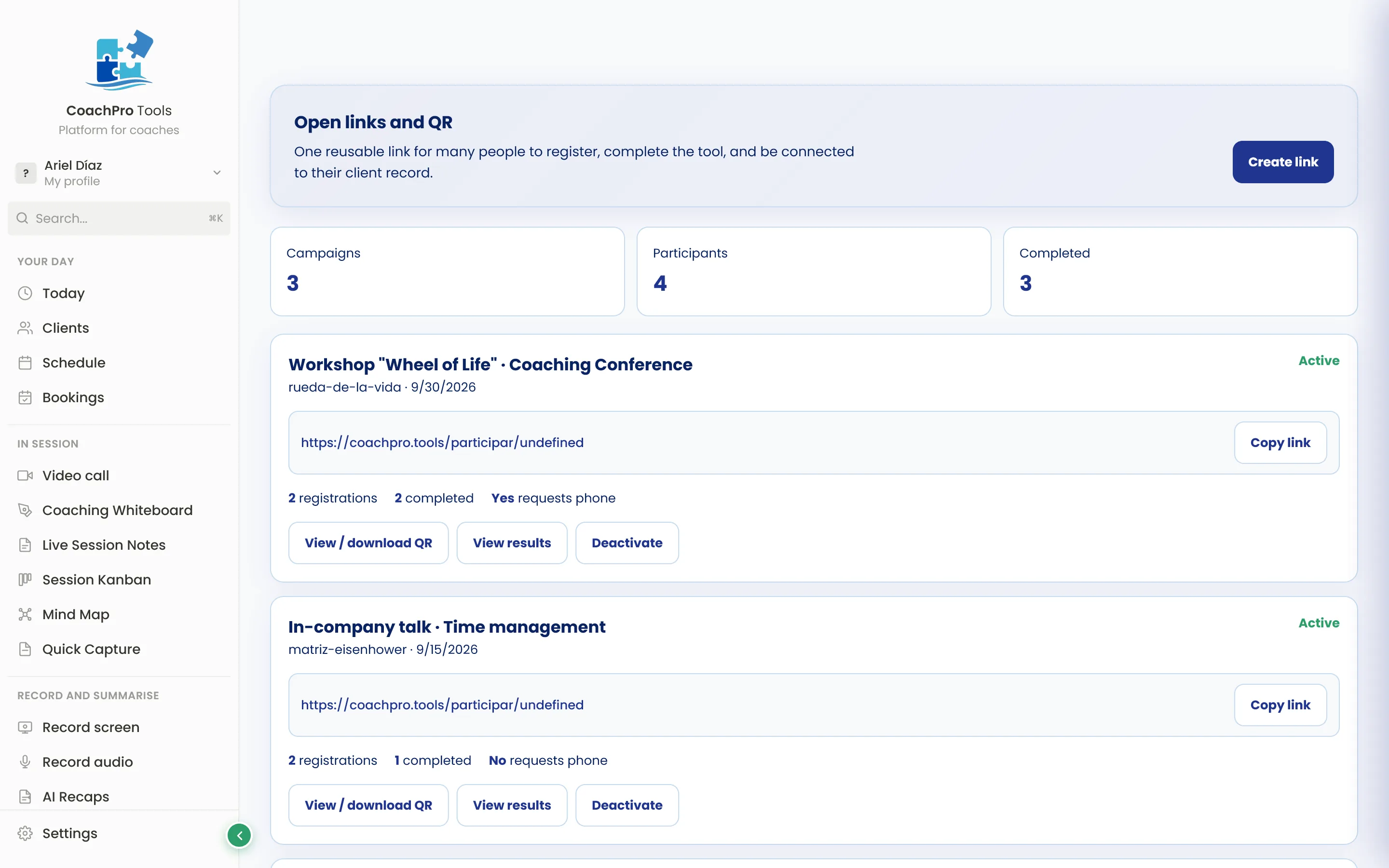
If you already have clients, you run your whole business in one place: CRM with each client's profile and history, synced calendar, video calls, invoicing and payments, sales pipeline, group programmes, and work with companies, with organisations and 360 assessments. It replaces more than 10 apps.
Who's behind it? Will it still be around in two years?
It was created by a coach together with a group of practising coaches, from what they needed in their own sessions. It's not a software company that tried its luck with coaching: it was born from real practice. Behind it is a company registered in the United States. Your data is encrypted, payments are processed through Stripe, and if you decide to leave, your data leaves with you.
Does it really change anything in my sessions?
Your client stops just listening and starts seeing and participating on screen. That's what separates a session that gets forgotten from one that gets remembered. And it's remembered because they take the PDF home. If your client remembers, they come back. If they come back, they refer.
Do I need to install anything?
No. It runs 100% in the browser. You just need internet and a modern browser (Chrome, Safari, Firefox, Edge). Works on Windows, Mac, Linux, iPad and phone.
Does it connect to my Google Calendar? Does it send reminders? Can I charge in instalments?
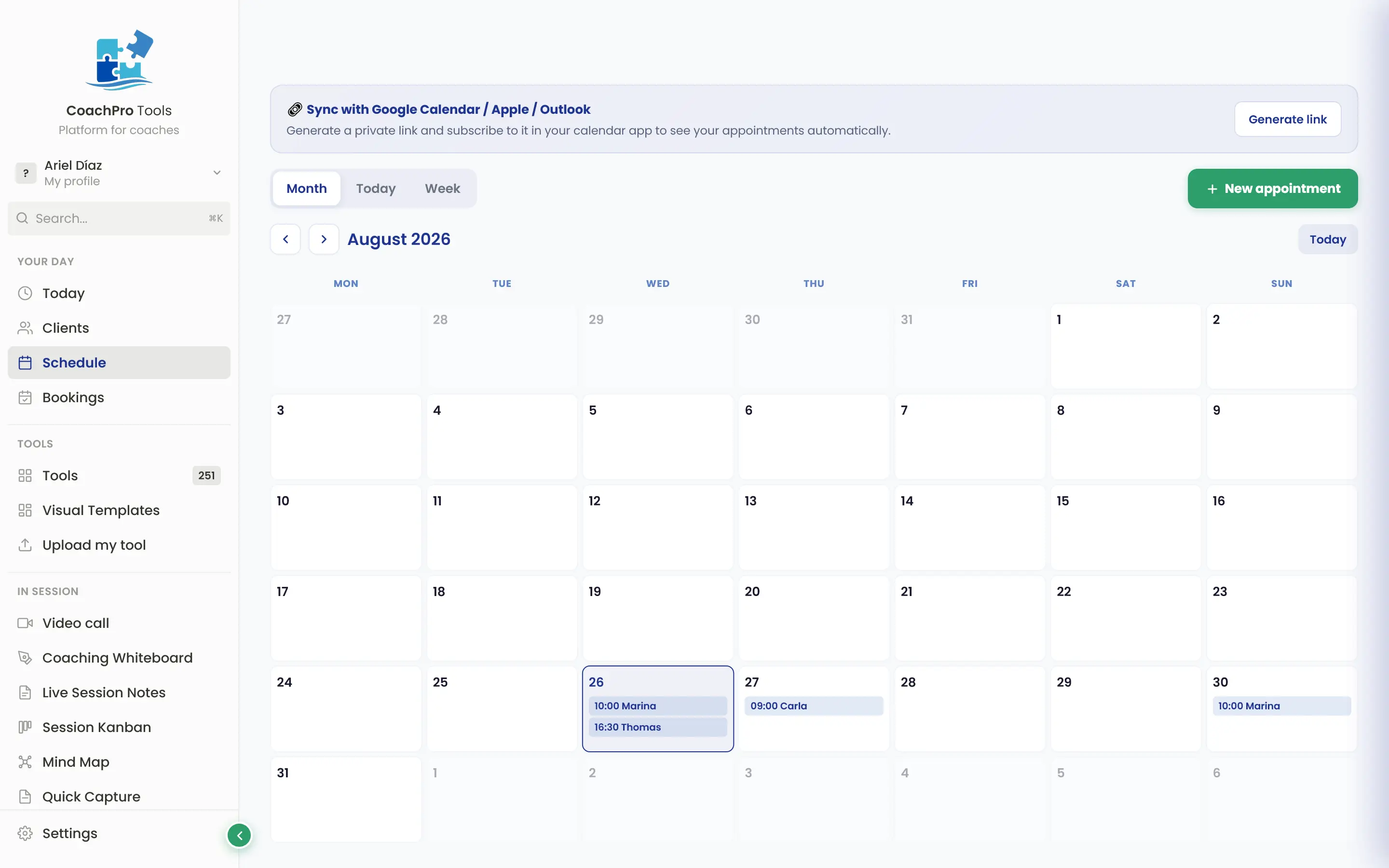
Yes to all three. You connect Google Calendar and the calendar warns you when an appointment clashes; you can also subscribe from Apple Calendar or Outlook. Reminders go out on their own: up to 3 before each appointment, by email, WhatsApp or both. You can send a form automatically before each session and see whether your client answered it. To get paid, you connect your own Stripe account: one-off charges, 1 to 60 instalments, invoices and a branded payment page.
How do AI Notes and the AI Copilot work?
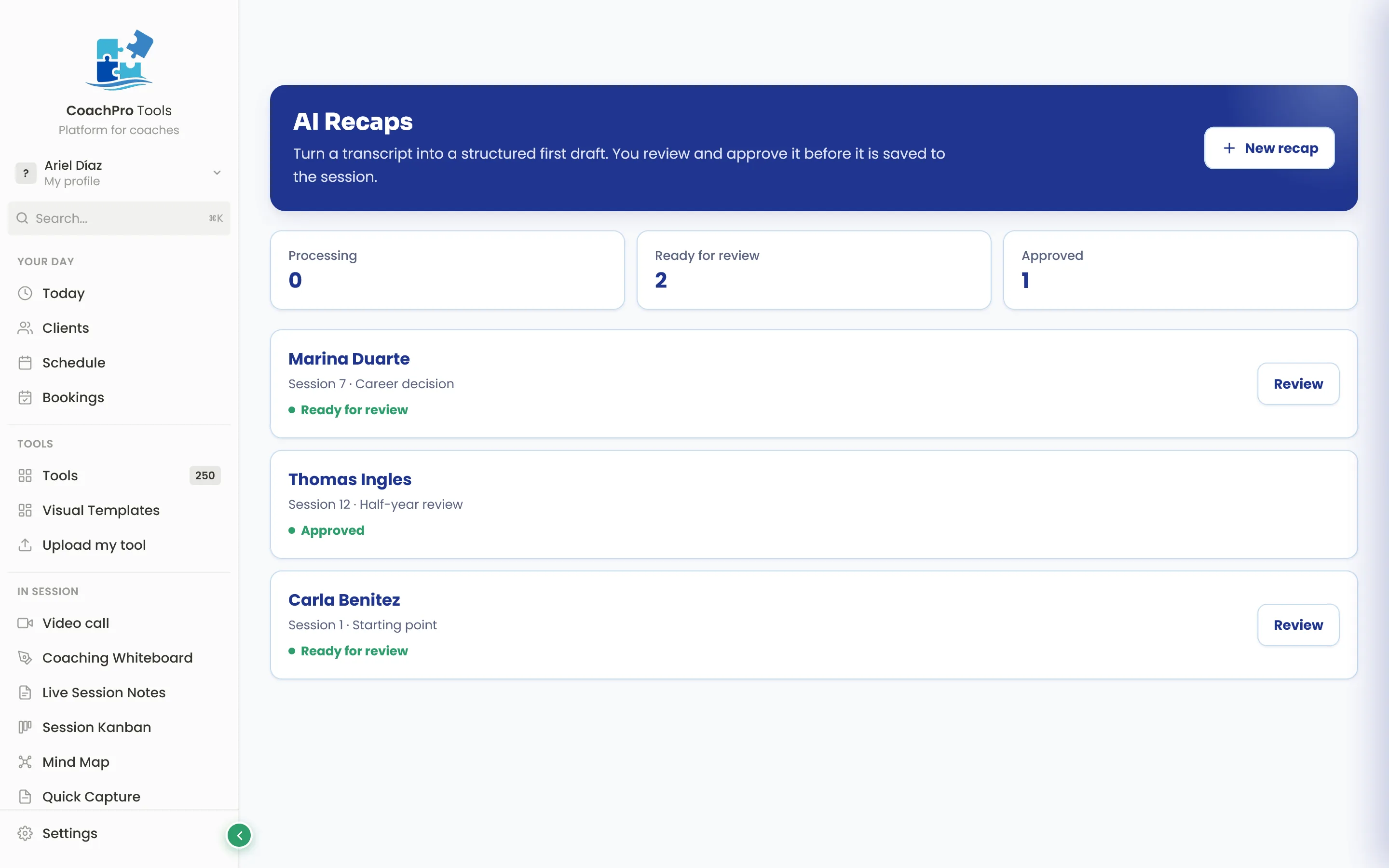
They transcribe your session with coach and client kept separate, and prepare a recap draft for you to review. The Copilot, live, shows how much each of you talks and suggests questions and agreements. They work in the CoachPro video call and in Meet, Zoom or Teams from the browser. They use your own AI key (Gemini or OpenAI), and the audio isn't stored. Your client has to give consent.
Can I bring my clients over from another tool?
Yes. You import your clients from a CSV file using the template we provide, and each one gets their own profile.
What does Bonus #1, the Marketing & Sales Platform, include?
A complete platform to grow your business: visual sales pipelines, automated email sequences, WhatsApp and SMS, funnel and page builder, membership area, payments, forms, automations and reports. It is included in the Annual and Lifetime plans.
Will this get me clients?
It's not a lead-generation machine. The Marketing & Sales Platform, included in the Annual and Lifetime plans, helps you attract and follow up; and once the client arrives, CoachPro makes sure your service lives up to it.
How many new tools do you add per month?
Every month we add new tools and improve the existing ones: there are now +325 tools. Many come from what the coaches who use the platform ask for; you can meet them in the coach directory. All plans get the updates at no extra cost.
See the coach directory →
What does the White Label (your brand) customization include?
Your logo, your colors (primary and accent), and your typography, plus your contact details on every PDF footer. Your brand appears on the dashboard, in the tools, and in everything your client receives. It's a $97 USD add-on you can add whenever you like.
What payment methods do you accept?
Credit or debit card (Visa, Mastercard, AMEX), Apple Pay and Google Pay. All payments are processed securely through Stripe.
Can I switch from Monthly to Lifetime later?
Yes. You switch it yourself from your dashboard, under My account. We deduct the part of the month you have already paid for and not yet used.
If I cancel, do I lose my data?
No. You export everything: your client profiles, session notes, linked files, templates. Your data is always yours. No penalties, no data retention, no forced months. You close the account and download your information in a standard format.
Is it GDPR compliant? And if my client is a company that requires it?
Yes. The Data Processing Agreement under Article 28 of the GDPR is part of the Terms and is accepted automatically when you use the platform: you do not have to sign it or request it. If a corporate client asks you for a signed copy for their compliance records, you download it yourself from the Trust Centre inside the platform.
I work with companies. Are their employees' answers really anonymous?
Yes. You configure the anonymity: answers are only ever published grouped, and you set a minimum number of participants per group. Below that number no figure appears, not for you either. And every report is shared through a link that carries only what you choose to include.
What language are the tools in?
English and Spanish. The whole platform works in both: interface, tools, and the PDFs your client takes away. You switch language with one click.