
01
Open the client record
New panel: In Clients, one click opens the side preview and a double-click opens the full profile. In the left column, select the Client space icon or ⋯ More → Client space. Check the name before sharing the link. See the new three-column profile and its screenshot. Link management and the client-facing space follow the workflow in this chapter.
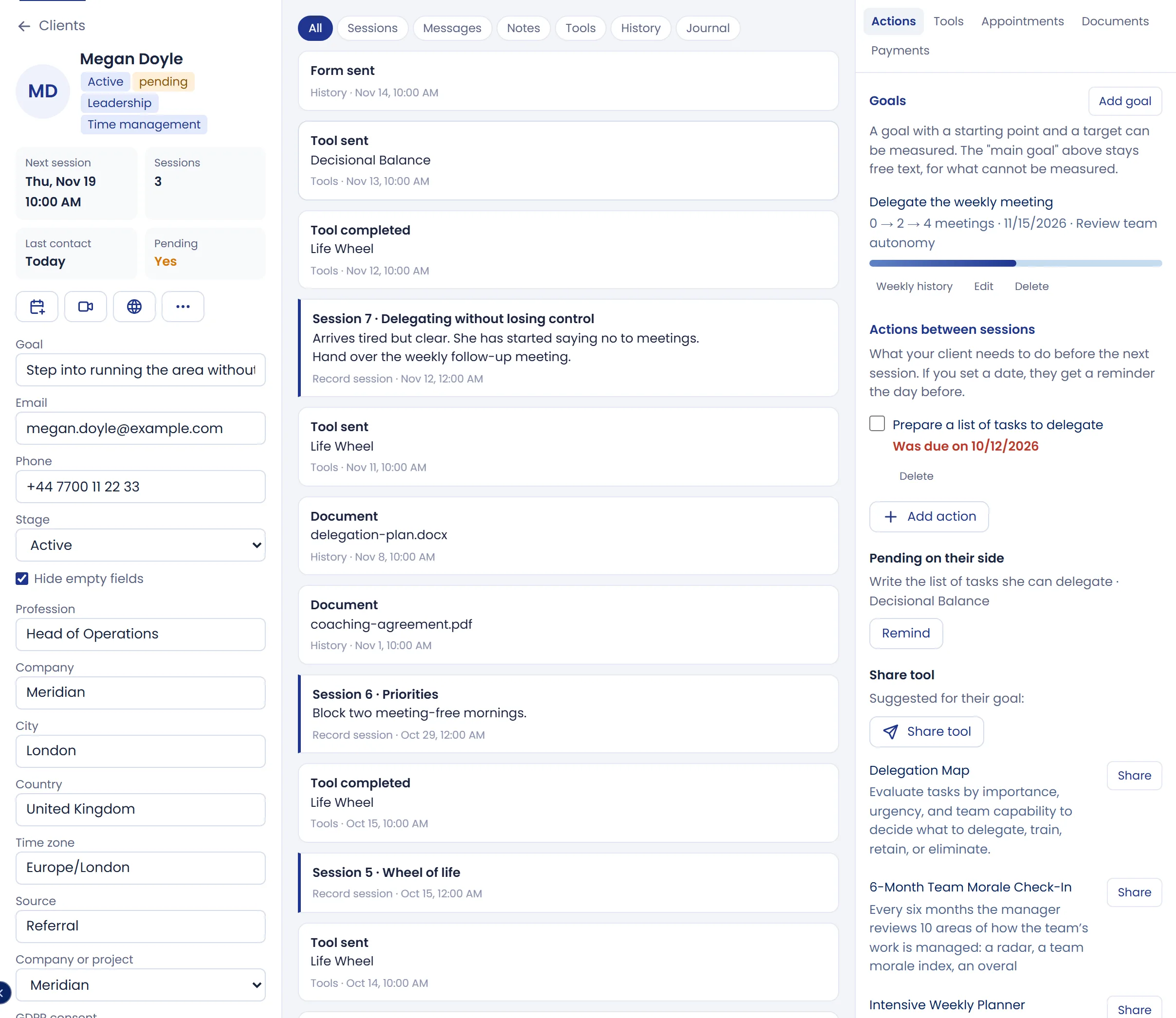
Previous panel
In Clients, open the person’s record and select Client space. Managing the link requires an open client record.
If no client record is open
Open the person’s record first. If they have not been added yet, create them in Clients and then return to Client space.