 CoachPro Tools
Short answer: a coaching landing page is a page dedicated to a single offer (a program, a session package or a service) that explains what it includes, who it is for and what it costs, and ends in one action: pay, book or message you. In CoachPro Tools you publish it from your dashboard, without a website of your own, and payment goes to your Stripe account with no commission from us.
Many coaches have a website that says who they are, but no page that sells something specific. The difference matters: someone arriving from a post or a message needs to see a clear offer and a button, not a menu.
What a good coaching landing page has
- A clear name and promise: what changes for the client by the end.
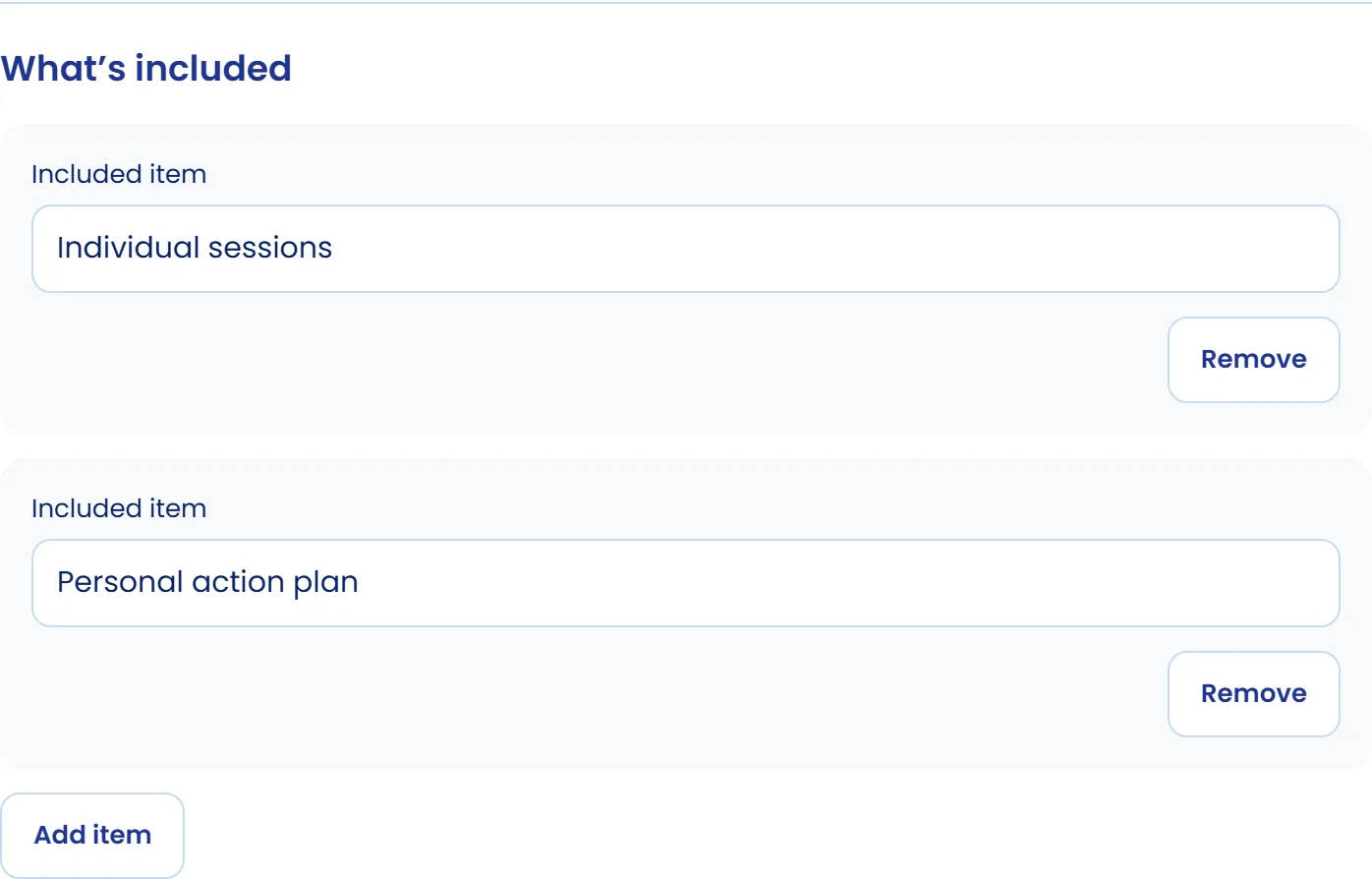
- What is included: how many sessions, length, format and what the client takes away.
- Who it is for and who it is not for.
- Frequently asked questions that settle doubts before paying.
- A visible price or, if you prefer to talk first, a button to message you.
- A single action at the end: pay, book or message you.
Real examples
The coaching offers listing shows the pages coaches using CoachPro Tools have already published, with filters by area, format, price and country. It is a good way to see a finished offer before building yours.
How to publish your landing page in CoachPro Tools
- Create the offer with a name, description, what is included, length, format, area, cover image and FAQs.
- Choose the pricing: one-off, monthly, free, "from" with an amount, or on request with a button to message you.
- Choose where the button goes: payment through your connected Stripe (one-off or monthly, no CoachPro commission), an external payment link, booking a session or messaging you.
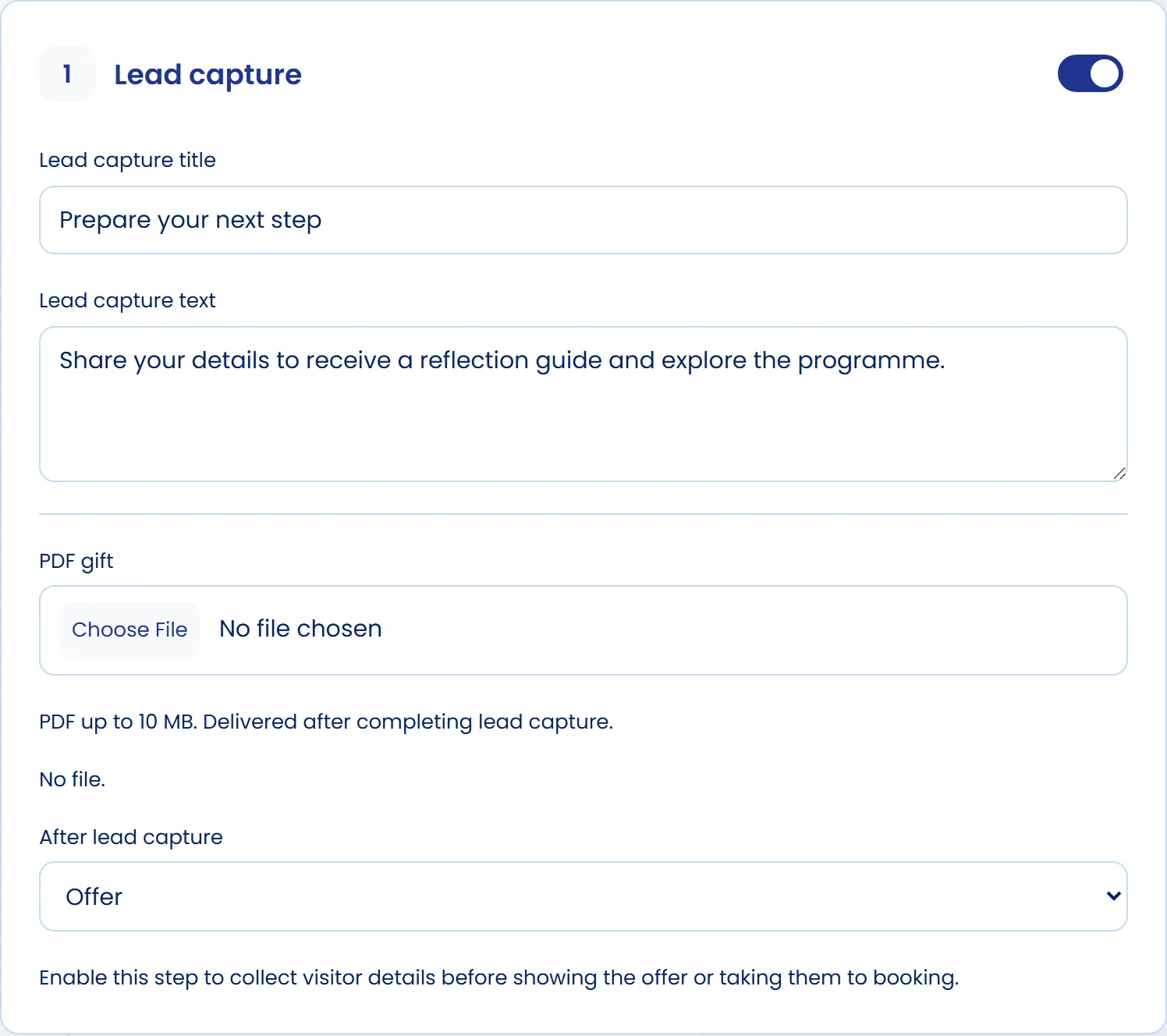
- If you like, turn on lead capture: the person leaves their details before seeing the offer, enters your CRM as a prospect and can receive a PDF gift.
- If you charge with Stripe as a one-off, add an extra offer with one click on the same card.
- Check the preview, accept the conditions and publish. The page lives at coachpro.tools/en/offers/your-offer, in English or Spanish, and appears in the listing.
After payment, the thank-you page checks the purchase and lets the client book their first session if you have scheduling set up. If White Label is active, the offer and the thank-you page show your logo, your name and your colours.
From landing page to client
Everyone who leaves their details goes into your CRM and, if your pipeline has a Prospect stage, a deal is created for that offer. That way you know who came from which page and whom to follow up. To bring people to the page, see the guides on how to get coaching clients and clients without social media. If you are still defining what to sell, start with coaching packages, and for long processes, with payment plans.
Publish your first offer
Offers, CRM, scheduling and payments through your Stripe are in CoachPro Tools.
See plans and pricing →Frequently asked questions
Do I need my own website to have a coaching landing page?
No. In CoachPro Tools the offer is published at coachpro.tools/en/offers/your-offer, under your name, and you can share the link anywhere.
Does CoachPro Tools take a commission on offer sales?
No. If you charge through your connected Stripe account, the payment goes straight to your account with no CoachPro Tools commission.
Can I capture leads even if they do not buy?
Yes. With lead capture, the person leaves their details before seeing the offer and enters your CRM as a prospect. You can give them a PDF gift.
Does the page carry my brand?
It shows your name and your offer. With White Label active, the offer and the thank-you page also show your logo and colours, with no mention of CoachPro.